Best 3D Printer for Etsy Sellers: Reliable Picks for Small Batch Production
Best 3D Printer for Etsy Sellers: Reliable Picks for Small Batch Production
If you sell on Etsy, your printer stops being a toy very quickly. It becomes part of your production line, your quality control process, and, in many cases, the difference between profitable small batches and a backlog of delayed orders. From my perspective, the best 3d printer for etsy sellers is not simply the one with the highest speed claim or the biggest online following. It is the one that produces repeatable parts, handles day-to-day workloads without constant intervention, and fits the products you actually plan to sell.
That matters whether you are making home décor, desk accessories, cosplay parts, educational models, cookie cutters, mini display pieces, or custom gifts. Some Etsy sellers need an affordable machine that just works. Others need a multicolor setup for more polished listings, or a large-format printer for helmets and props. In short, there is no universal winner, but there are clear categories that make sense depending on your shop goals.
Disclosure: This article may contain affiliate references, and the publisher may earn a commission from qualifying purchases. Prices, coupons, and bundle offers on Amazon can change at any time, so it is always sensible to check the current price before buying.
Below, I focus on practical buying criteria, the most relevant printer categories, and five Creality models that fit different seller profiles. These are not presented as magical solutions. Each has tradeoffs, and those tradeoffs matter more in a shop environment than they do in casual hobby use.
What Etsy Sellers Need From a 3D Printer
When I look at a machine for Etsy work, I care less about novelty and more about repeatability. The first requirement is consistent print quality. If your first print looks great but the next six show dimensional drift, layer inconsistency, or surface variation, your listing photos may bring sales while your production process quietly loses money. Customers expect the item they receive to match the item shown. That sounds obvious, yet many small sellers underestimate how much printer stability affects reviews and refunds.
The second requirement is reliable uptime for small batches. A printer used for Etsy is often printing the same product repeatedly in slightly different colors, sizes, or configurations. In that environment, failed first layers, filament handling issues, or manual recalibration become productivity drains. Even if the printer itself is affordable, wasted operator time can be expensive.
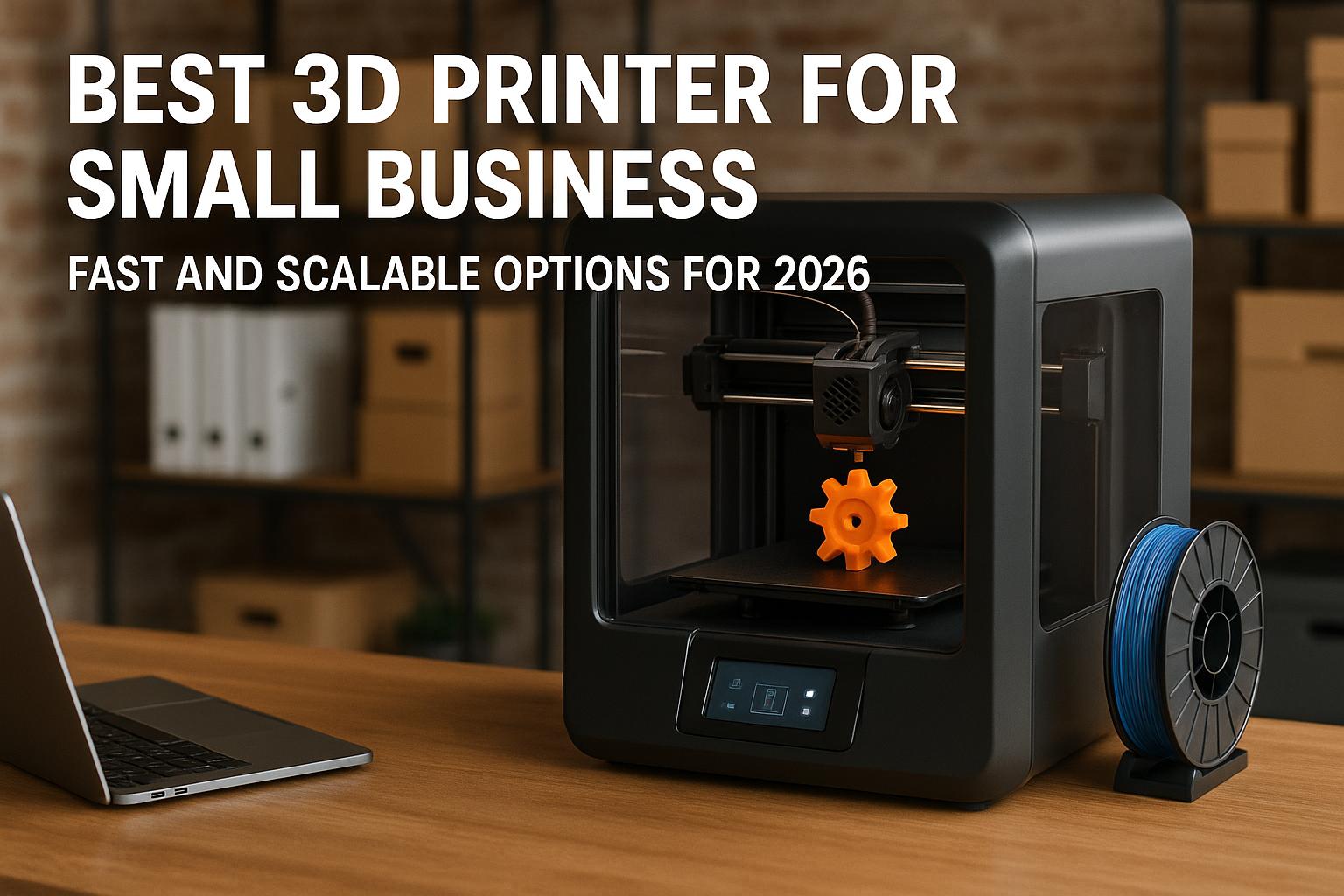
Finally, day-to-day operation needs to be easy enough that you can focus on packing orders, answering customer messages, and refining listings. For many sellers, the best 3d printer for small business is not necessarily the most advanced machine. It is the one that reduces setup friction, keeps maintenance predictable, and can be trusted for routine work. If you live in a shared space, the best quiet 3d printer for apartment is also worth considering, because long production runs are easier to tolerate when noise stays under control.
In a small Etsy workflow, reliability often beats theoretical performance. A printer that finishes 9 out of 10 jobs is usually more profitable than one that is faster on paper but less stable in practice.
Key Features to Compare Before Buying
Build volume and speed
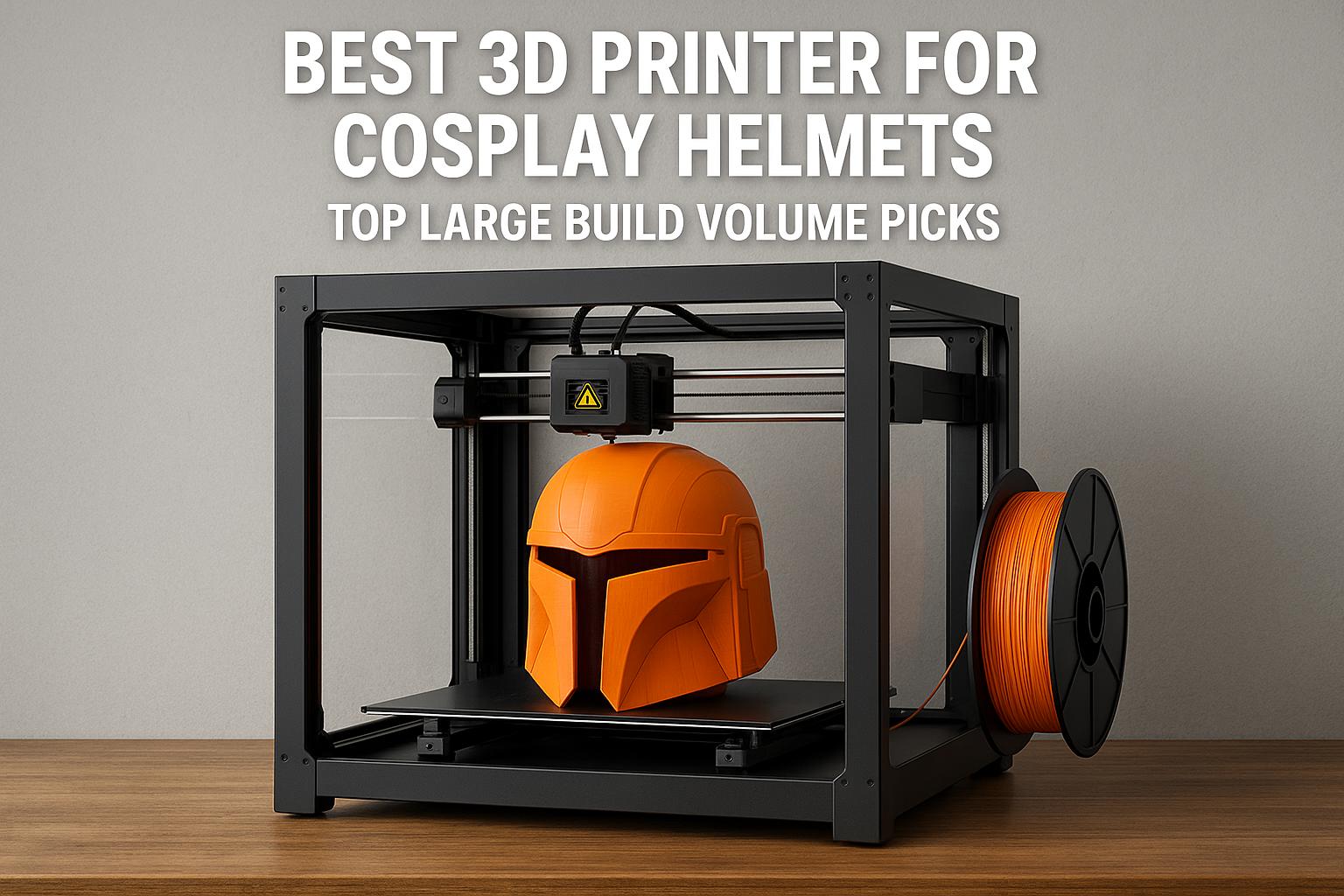
Build volume should reflect the products you actually plan to sell, not vague future ambitions. If you mostly make keychains, organizers, figurines, or compact home accessories, a desktop machine is usually enough. If your shop leans toward masks, costume parts, lamp shades, or larger décor pieces, then a larger bed saves both assembly time and finishing work. This is especially relevant if you are also researching the best 3d printer for cosplay helmets or even the best large format 3d printer for cosplay, because those same needs often overlap with custom Etsy products.
Speed matters as well, but it should be treated carefully. A high advertised print speed does not automatically mean high output in the real world. Print geometry, quality settings, material choice, and acceleration behavior all affect usable speed. In practice, speed is useful when paired with dependable calibration and stable motion systems.
Auto leveling and calibration
For small-batch sellers, auto leveling is not a luxury. It is a time-saving feature that reduces routine friction and helps make first-layer behavior more predictable. Guided calibration, self-check functions, and smart monitoring can also reduce downtime. If a printer is meant for consistent business use, these quality-of-life tools become far more valuable than they appear in a simple spec sheet.
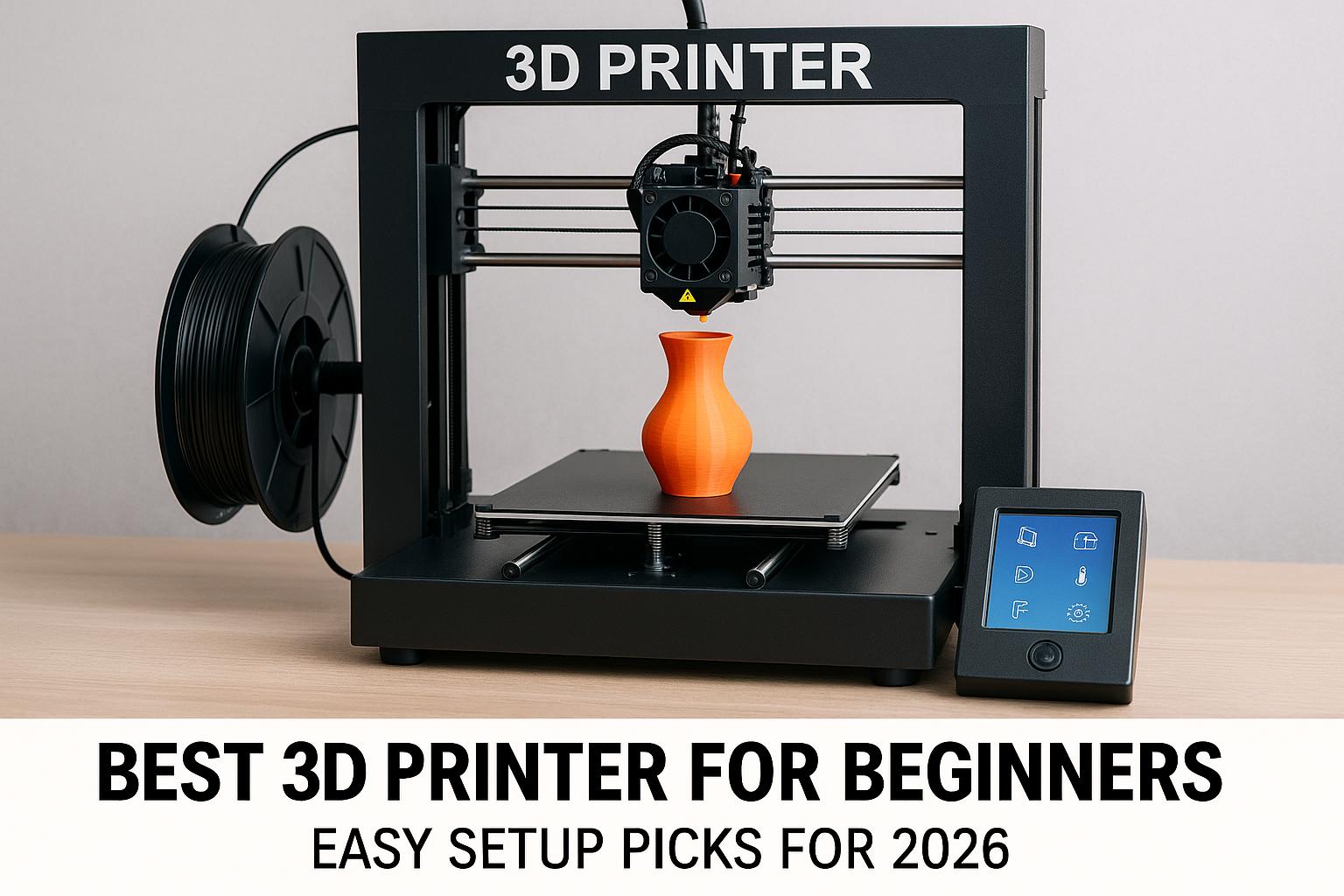
This is one reason some current machines are also attractive to first-time users. A printer that minimizes setup hassle may overlap with searches such as best 3d printer for beginners that just works, best enclosed 3d printer for beginners, or best 3d printer for beginners under 500. For Etsy sellers starting their first production workflow, beginner-friendly operation is not a compromise. It is often the sensible choice.
Material compatibility
Material support determines what products you can realistically offer. PLA may handle many décor and gift products well enough, while PETG, ABS, ASA, or carbon-fiber-filled materials may be more suitable for functional parts, outdoor use, or products that need better heat resistance and stiffness. If your store will focus on miniatures, jewelry masters, or highly detailed figurines, you may end up looking beyond filament entirely and into resin systems.
That is why I would never recommend buying based on speed alone. A slower machine that prints your chosen material reliably can be a much better business tool than a faster machine that limits product direction.
Best 3D Printer Types for Small Batch Production
FDM for cost-effective product runs
For most Etsy shops, FDM remains the most practical starting point. Material costs are generally manageable, post-processing can be simple, and print beds can handle multiple units at once. If your products are organizers, planters, fidget items, signs, hooks, custom accessories, cosplay parts, or desk tools, FDM is usually the straightforward answer. It is also where most people searching for the best 3d printer for etsy sellers should begin.
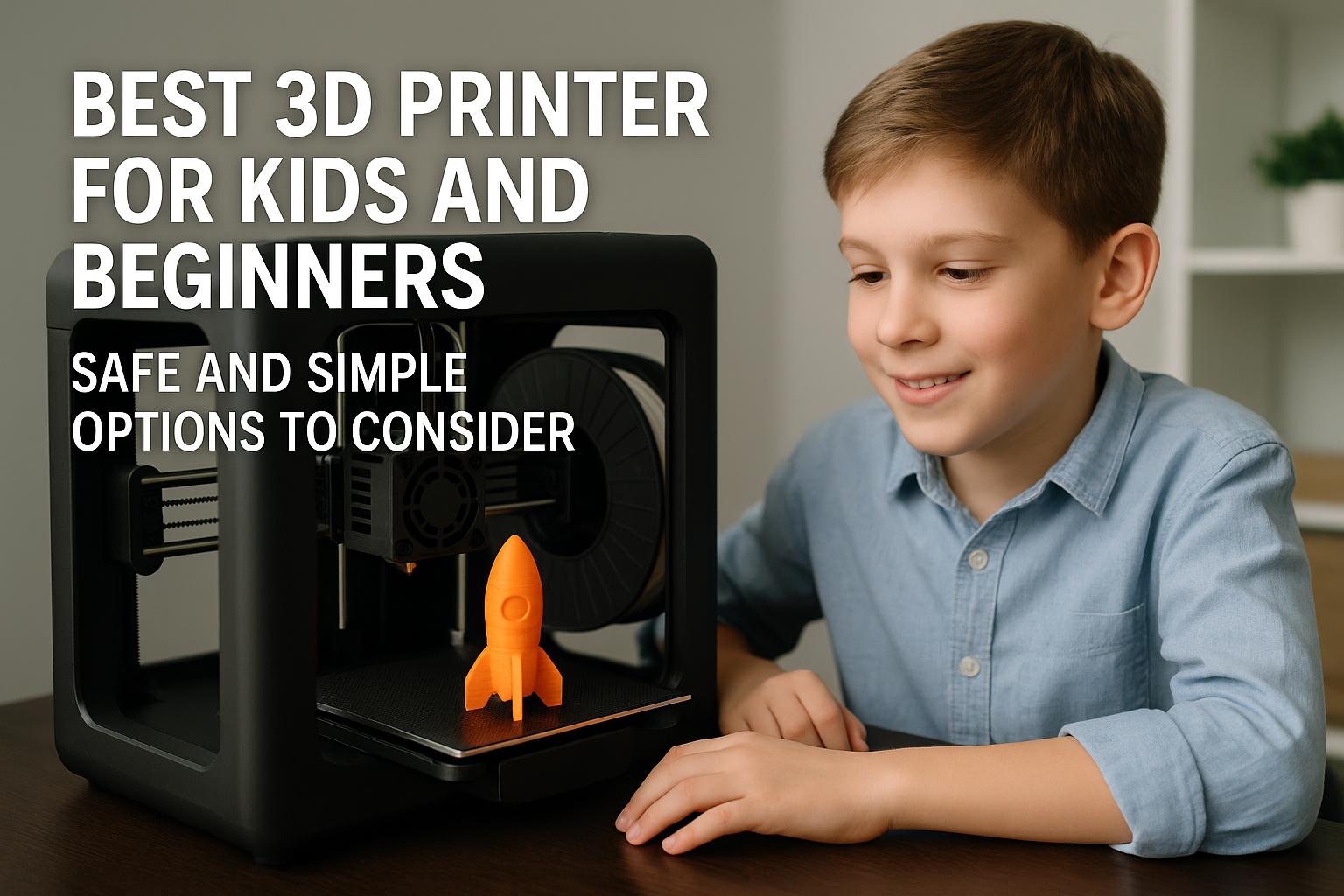
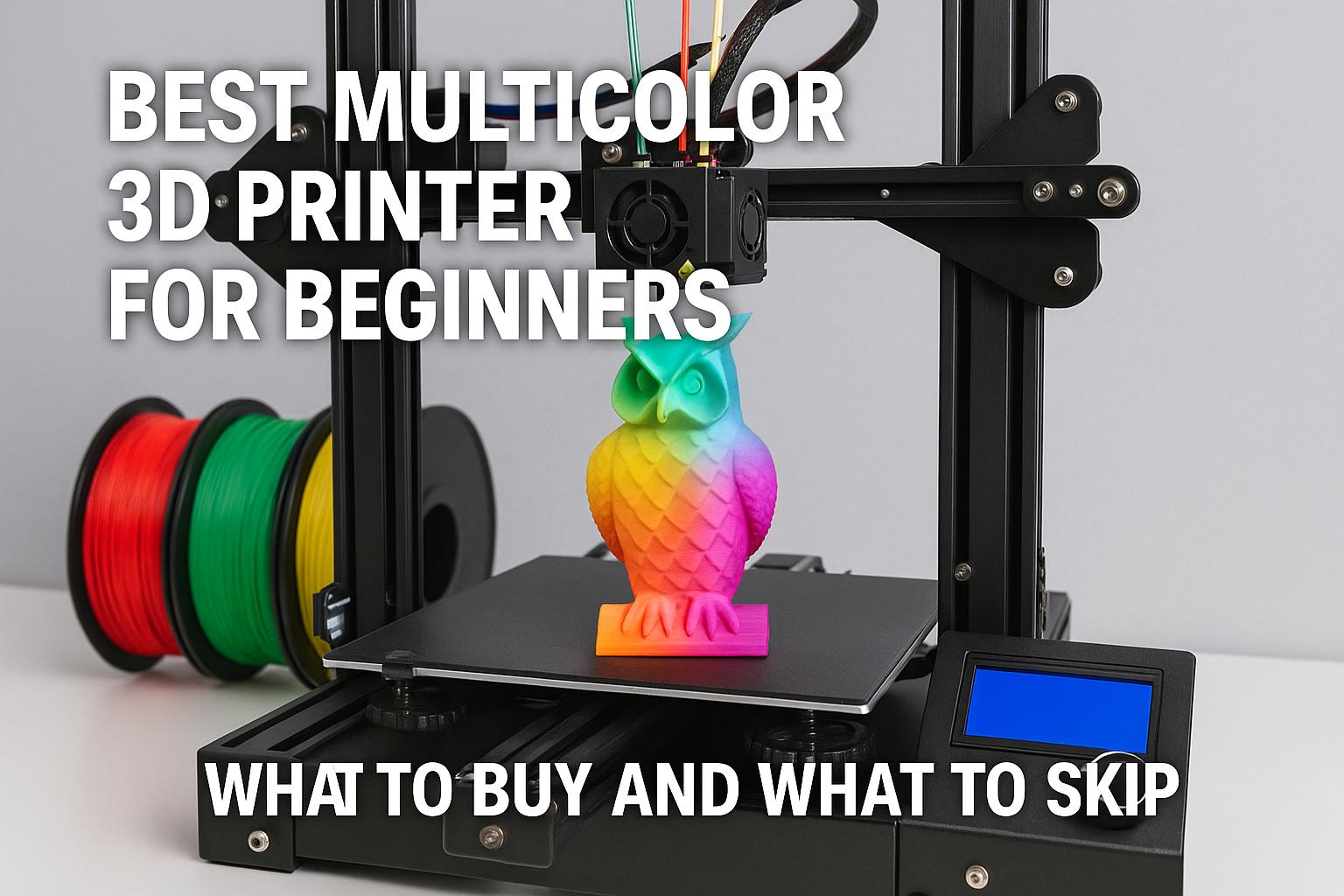
FDM also covers a broad range of budgets. Some compact machines now look attractive for buyers comparing the best 3d printer for kids and beginners or the best multicolor 3d printer for beginners, while more serious enclosed and CoreXY platforms serve small studios and production-focused users far better.
Resin printers for fine detail
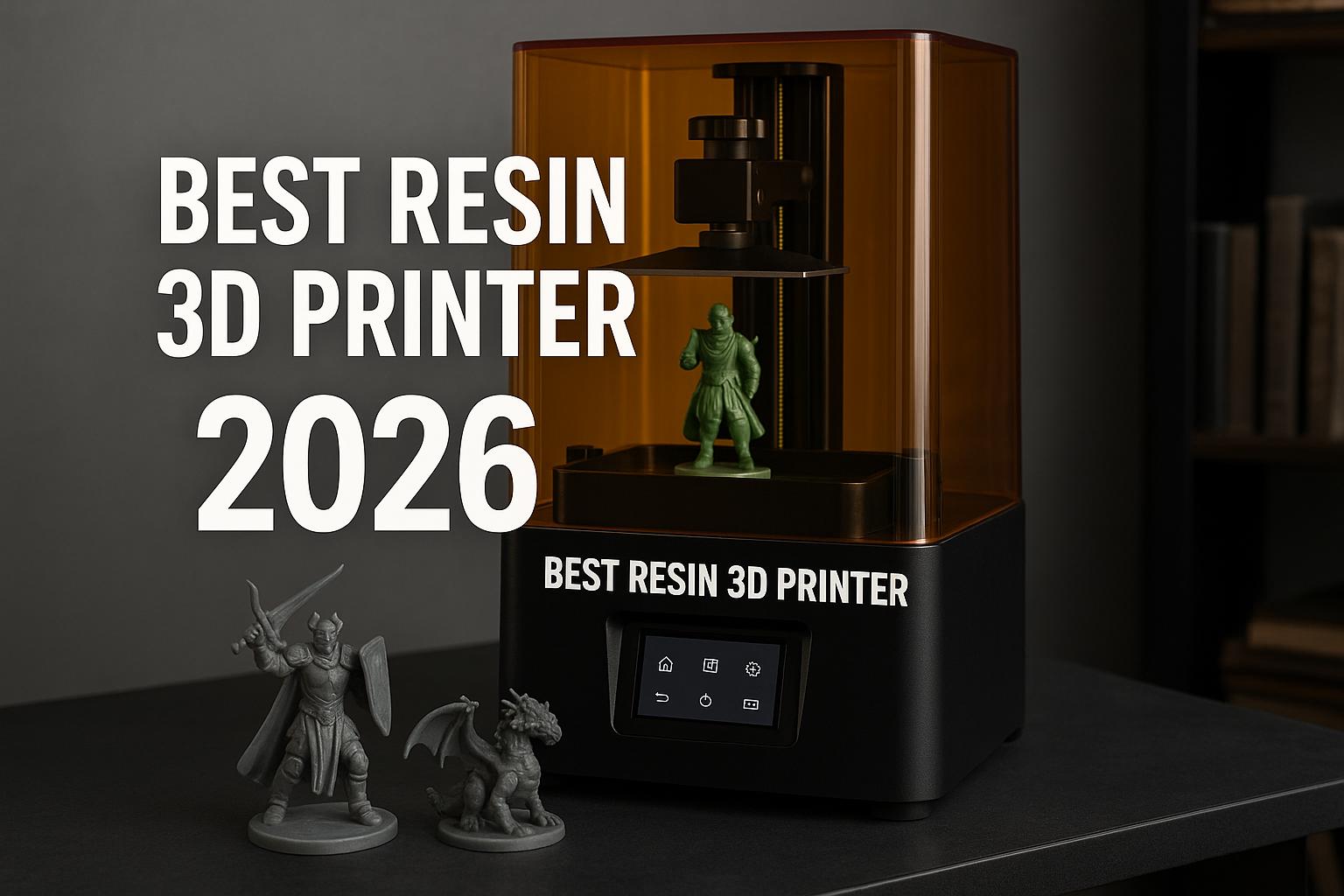
Resin printers shine when detail is the product. If you are designing tabletop miniatures, collectible busts, ultra-fine decorative parts, or custom gaming accessories, resin can deliver a cleaner level of surface detail than typical FDM. That is why buyers often search for the best resin 3d printer for miniatures or best resin printer for dnd miniatures.
Still, resin has tradeoffs that matter in a business setting: ventilation, cleanup, curing, consumables, and mess. For some Etsy categories, that extra processing is worthwhile. For others, it slows fulfillment too much. If your product line is broad and schedule-sensitive, FDM may remain the easier daily workflow.
Enclosed models for stable results
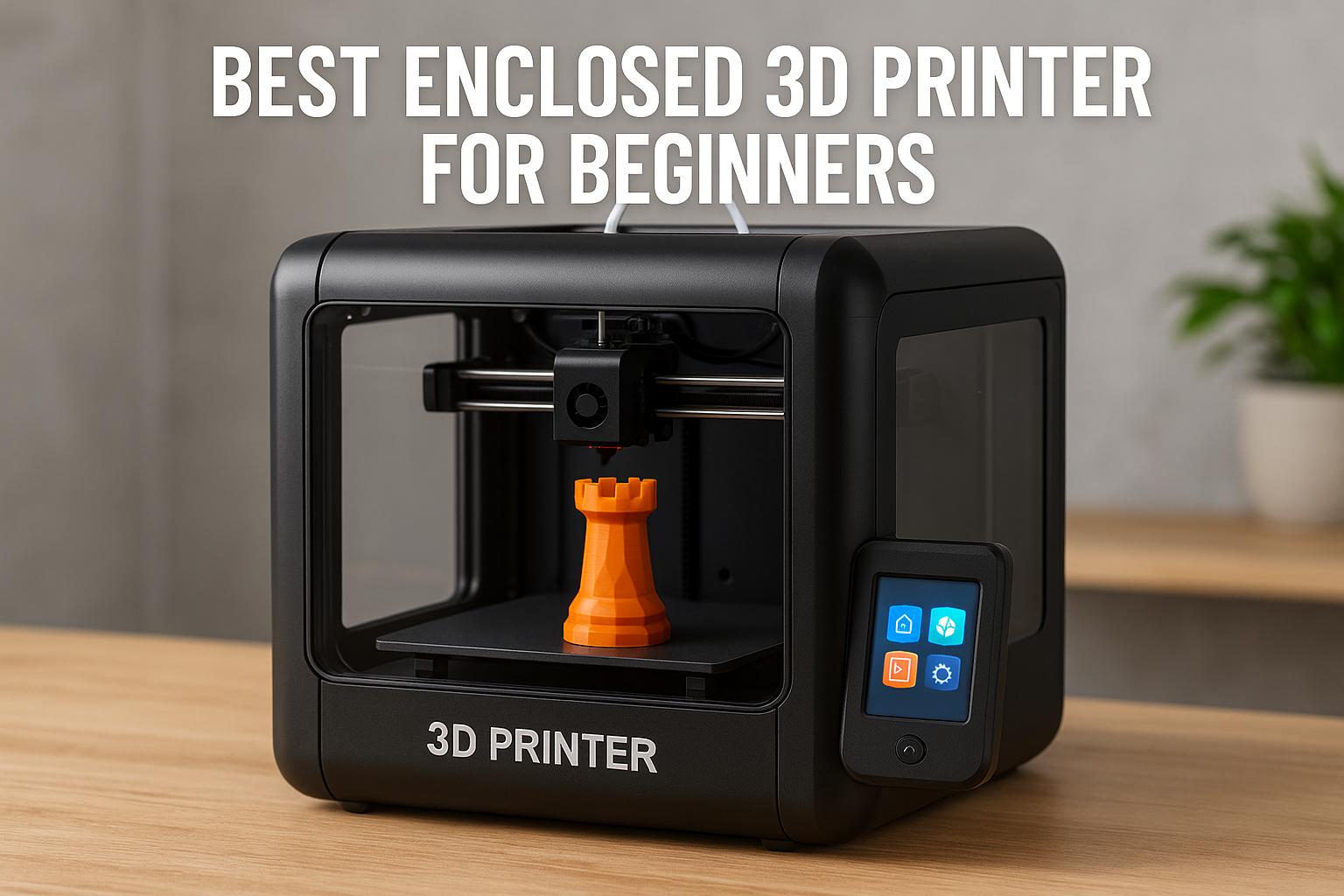
Enclosed printers can be especially useful for sellers who need stable temperature conditions, lower noise, and improved compatibility with more demanding materials. In my view, enclosure design matters more as soon as printing becomes routine. Even if you are not chasing advanced materials immediately, an enclosed machine can offer a more controlled environment for repeat jobs.
| Printer type | Strength for Etsy | Main limitation |
|---|---|---|
| FDM desktop | Lower running cost, flexible for many products, easier small-batch workflows | Visible layer lines on some premium-detail products |
| Resin | Excellent detail for miniatures and small display items | Messier post-processing and safety requirements |
| Enclosed FDM | Better material flexibility, quieter operation, more controlled printing | Usually higher upfront cost |
| Large-format FDM | Better for props, helmets, and larger décor without splitting parts | Takes more space and can increase material waste on failures |
Reliable 3D Printer Picks for Etsy Shops
The five Creality models below cover very different use cases. Rather than ranking them from best to worst, I think it is more useful to frame them as task-specific options.
Best budget option: Creality K2 SE
The Creality K2 SE makes the most sense for sellers who want a lower-cost entry into faster desktop printing without giving up convenience features. It is positioned around up to 500 mm/s print speed, a rigid all-metal frame, direct-drive extrusion, auto leveling, vibration control, intelligent calibration, quick assembly, and Creality Cloud support. There is also an upgrade path for multicolor printing via CFS, but CFS is sold separately, and that distinction matters.
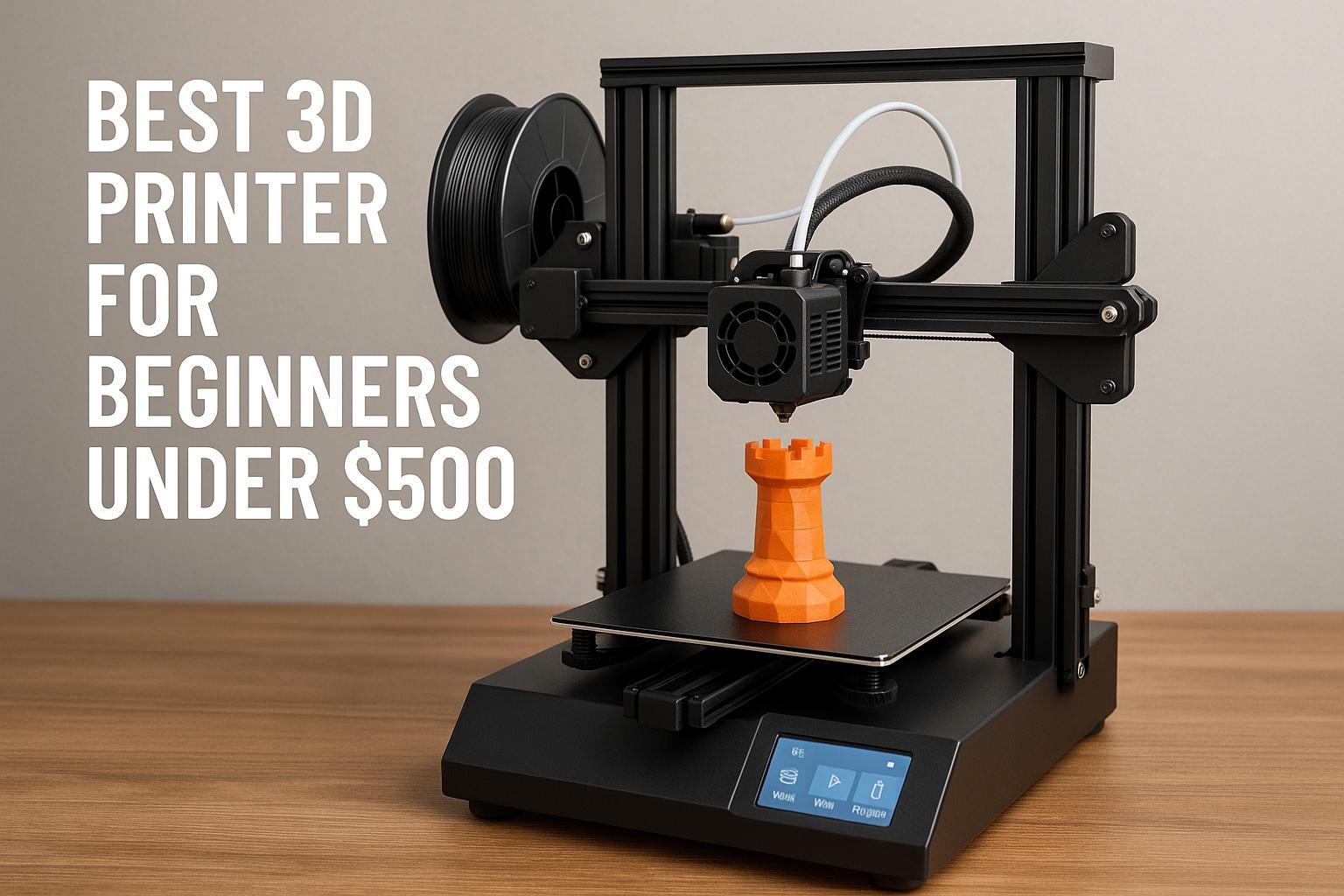
For Etsy sellers testing a new product line, this is the kind of machine I would place in the shortlist for manageable startup risk. It also overlaps with searches like best 3d printer for beginners under 500 and buyers who want something more capable than a very basic entry-level printer. If your products are compact and your order volume is still developing, the K2 SE is easier to justify than jumping directly into a premium system.
If that matches your needs, [url="https://www.amazon.com/dp/B0D922NSSQ?ref=t_ac_view_request_product_image&campaignId=amzn1.campaign.13FRT9H9H29NH&linkCode=tr1&tag=simonsreccos-20&linkId=amzn1.campaign.13FRT9H9H29NH_1780058662913",name="check the current price for the Creality K2 SE",title="This link leads to the Creality K2 SE on Amazon"] and confirm whether the promotional window is still active.
Best mid-range all-rounder: Creality K1C
The K1C is, to my mind, one of the more interesting value picks for sellers who need faster production and broader material capability without moving into the highest price tier. Its key points include up to 600 mm/s speed, a CoreXY system, a clog-resistant extruder, AI-powered monitoring, pre-assembled setup, one-tap auto leveling, quiet operation at up to 45 dB in silent mode, and carbon-fiber compatibility including PLA-CF and PETG-CF examples.
That makes it appealing for functional products, workshop accessories, engineering-oriented designs, and makers who want a durable-feeling output without paying flagship prices. It is also a reasonable answer for sellers who care about apartment-friendly noise control. However, buyers should note that the 50% filament discount applies only through the designated printer + filament bundle listing. The standalone listing does not automatically include that promotion.
For many practical shops, this may be the strongest blend of speed, setup simplicity, and price restraint. You can [url="https://www.amazon.com/dp/B0D95Z1W6K?ref=t_ac_view_request_product_image&campaignId=amzn1.campaign.SESNPTWUE0Q9&linkCode=tr1&tag=simonsreccos-20&linkId=amzn1.campaign.SESNPTWUE0Q9_1780058665579",name="check the current price for the Creality K1C",title="This link leads to the Creality K1C on Amazon"] and verify whether the standalone or bundle option makes more sense for your material needs.
Best premium choice for scaling: Creality K2 Plus Combo
If your shop is already moving beyond casual output and you want a more complete workflow, the K2 Plus Combo is the premium option in this group. Its campaign angle is clear: a flagship high-speed multicolor printer aimed at users who value convenience, speed, and a more polished all-in-one setup. On paper, that includes up to 600 mm/s printing, multi-color and multi-material support using CFS, a fully assembled plug-and-play approach, auto leveling, and quiet operation at 45 dB or less.
The important context is that this is not a cheap beginner printer. It is more suitable for sellers who are already validating products, handling recurring orders, or planning more differentiated listings through multicolor work and reduced setup friction. For visual products where color variation improves presentation, a combo package with CFS included can be a meaningful workflow upgrade.
If you are evaluating whether premium convenience is worth the higher spend, [url="https://www.amazon.com/dp/B0F5HJMMT9?ref=t_ac_view_request_product_image&campaignId=amzn1.campaign.36N63R999Y0GY&linkCode=tr1&tag=simonsreccos-20&linkId=amzn1.campaign.36N63R999Y0GY_1780058654882",name="check the current price for the Creality K2 Plus Combo",title="This link leads to the Creality K2 Plus Combo on Amazon"] before deciding, since Amazon discounts and bundle terms can change.
Best large-format option: Creality K2 Plus 3D Printer
The standard K2 Plus is the better fit if scale matters more than bundled multicolor convenience. With a 350 x 350 x 350 mm build volume, up to 600 mm/s speed, dual AI cameras, intelligent monitoring, failure detection, full-auto leveling, self-tests, and a belt tension sensor, it is designed for users who want larger one-piece parts and smarter oversight during longer jobs.
This is the machine I would look at if your Etsy catalog includes props, helmets, large organizers, functional jigs, or products that become inefficient when split into smaller sections. It also aligns with buyers searching for the best large format 3d printer for cosplay. Just keep the buying details straight: multicolor requires CFS sold separately, and the 50% off filament offer only applies through the specific printer + filament bundle listing, not the standalone printer purchase.
For larger product lines, [url="https://www.amazon.com/dp/B0F5H4SSNS?ref=t_ac_view_request_product_image&campaignId=amzn1.campaign.QP7BWTP45334&linkCode=tr1&tag=simonsreccos-20&linkId=amzn1.campaign.QP7BWTP45334_1780058661707",name="check the current price for the Creality K2 Plus",title="This link leads to the Creality K2 Plus on Amazon"] and compare it against your available space and target item size.
Best for creator-focused multicolor output: Creality K2 Pro Combo
The K2 Pro Combo sits in an interesting position for sellers who care strongly about visual output, multicolor flexibility, and support for more advanced materials. The listed points include up to 16-color printing using CFS, 600 mm/s speed, dual AI cameras, support for materials including ABS, ASA, and carbon-fiber filaments, and a design intended for stable long prints and frequent use.
For Etsy shops built around décor, figurines, display parts, prototypes, or visually distinctive branded products, this may be the most attractive upgrade path of the group. Again, buyers should read the offer carefully. The machine is promoted with a bundle offer for 50% off filament through the designated machine + filament bundle, so the bundle mechanics should be verified before purchase.
If your priority is color-rich presentation with creator-focused flexibility, [url="https://www.amazon.com/dp/B0FDG38DSW?ref=t_ac_view_request_product_image&campaignId=amzn1.campaign.2LOC5X37HAZ&linkCode=tr1&tag=simonsreccos-20&linkId=amzn1.campaign.2LOC5X37HAZ_1780058664827",name="check the current price for the Creality K2 Pro Combo",title="This link leads to the Creality K2 Pro Combo on Amazon"] and confirm whether the current promotion is still available.
| Model | Best use case | Main caveat |
|---|---|---|
| Creality K2 SE | Budget-friendly Etsy startup and compact desktop production | CFS multicolor path is optional, not included |
| Creality K1C | Value-focused fast printing with carbon-fiber-capable material support | Filament discount applies only through the bundle listing |
| Creality K2 Plus Combo | Premium multicolor-ready workflow with convenience features | Higher buy-in, not aimed at bargain shoppers |
| Creality K2 Plus | Large-format parts, helmets, props, and bigger batch layouts | CFS sold separately for multicolor |
| Creality K2 Pro Combo | Creator-focused multicolor work and broader material flexibility | Bundle details should be checked carefully |
- Faster modern printers can reduce fulfillment bottlenecks for repeat orders.
- Auto leveling and monitoring features are genuinely useful in small-batch workflows.
- Large-format and multicolor options can expand what an Etsy shop is able to sell.
- Higher-end printers require a larger upfront investment before demand is fully proven.
- Bundle promotions and multicolor accessories can be easy to misunderstand.
- Premium features do not automatically fix weak product selection or pricing strategy.
Running Efficient Small Batch Workflows
Queue planning and repeatable settings
One of the fastest ways to improve Etsy output is to stop treating each print like a new experiment. Build a small library of proven profiles, model orientations, and material settings for every product you sell. Once a SKU is stable, resist the temptation to keep changing it unless there is a real defect or cost problem to solve.
I have found that repeatability matters far more than chasing micro-improvements in appearance. Customers value reliable delivery and consistent quality. A print profile that works every time is more useful than one that looks 3% better but introduces higher failure risk.
Reducing failed prints
Failed prints do not just waste filament. They also consume machine time, labor, and emotional energy. The easiest gains usually come from simple discipline: keep nozzles and build surfaces maintained, store filament properly, avoid overfilling the queue with unproven parts, and monitor how environmental conditions affect output. Smart monitoring features can help, but they should support a stable process, not compensate for a chaotic one.
Post-processing for faster fulfillment
Many Etsy businesses underestimate post-processing when calculating turnaround time. Support removal, sanding, priming, curing, packaging, and quality checks all add labor. If your margins are tight, a printer that produces slightly cleaner surfaces or larger single-piece parts may save more money in finishing than you expect.
Cost Factors That Affect Profit Margins
Printer price versus output
Budget printers are easier to approve emotionally, but that does not automatically make them cheaper in business terms. A more expensive printer that delivers higher uptime, less babysitting, and better throughput can pay for itself if your shop has proven demand. On the other hand, if you are still validating products, preserving cash may be the smarter move.
Material and maintenance costs
Filament cost is only one part of the picture. You should also consider nozzles, wear items, failed prints, electricity, and occasional tuning time. If you are comparing Amazon offers, remember that prices, coupons, and bundle promotions can change. A printer that looks attractive because of a temporary discount may not remain that appealing next month.
Time per unit and labor
Labor remains the hidden cost in many Etsy operations. If a printer reduces setup, calibration, or reprint frequency, it can improve profit margins even if the upfront cost is higher. This is especially true when order volume rises and fulfillment time starts competing with listing creation, customer service, and packaging work.
How to Choose the Right Printer for Your Product Line
The sensible approach is to match printer type to product style rather than buying for abstract future possibilities. If your shop focuses on large props, choose for volume. If you sell visually expressive items, multicolor may justify the premium. If fine detail is the whole product, resin might be the better path. And if you are still proving demand, a strong budget-friendly FDM printer is often the safer launch decision.
Just as importantly, balance detail with production speed. I would rather have a printer that gives me a reliable commercial workflow than one that produces occasional showcase prints. Etsy customers rarely pay you for your machine specs. They pay for useful products, attractive presentation, and dependable delivery.
Finally, pick a setup that can grow with demand. That may mean starting with a lower-cost machine and adding a second identical unit later. Or it may mean choosing a stronger printer now because your catalog already points toward larger volumes, tougher materials, or more premium output. In either case, the goal is not simply to buy a printer. The goal is to build a repeatable production system.
Recommendation: If you are starting cautiously, look first at the K2 SE. If you want the strongest value balance for faster, more capable daily printing, the K1C is a compelling middle ground. If your store is scaling and color workflow or premium convenience matters, the K2 Plus Combo and K2 Pro Combo are the more ambitious options. For large props and oversized products, the K2 Plus deserves serious attention.
To compare the current offers directly, you can review the five options here: [url="https://www.amazon.com/dp/B0D922NSSQ?ref=t_ac_view_request_product_image&campaignId=amzn1.campaign.13FRT9H9H29NH&linkCode=tr1&tag=simonsreccos-20&linkId=amzn1.campaign.13FRT9H9H29NH_1780058662913",name="Creality K2 SE",title="This link leads to the Creality K2 SE on Amazon"]
[url="https://www.amazon.com/dp/B0D95Z1W6K?ref=t_ac_view_request_product_image&campaignId=amzn1.campaign.SESNPTWUE0Q9&linkCode=tr1&tag=simonsreccos-20&linkId=amzn1.campaign.SESNPTWUE0Q9_1780058665579",name="Creality K1C",title="This link leads to the Creality K1C on Amazon"]
[url="https://www.amazon.com/dp/B0F5HJMMT9?ref=t_ac_view_request_product_image&campaignId=amzn1.campaign.36N63R999Y0GY&linkCode=tr1&tag=simonsreccos-20&linkId=amzn1.campaign.36N63R999Y0GY_1780058654882",name="Creality K2 Plus Combo",title="This link leads to the Creality K2 Plus Combo on Amazon"]
[url="https://www.amazon.com/dp/B0F5H4SSNS?ref=t_ac_view_request_product_image&campaignId=amzn1.campaign.QP7BWTP45334&linkCode=tr1&tag=simonsreccos-20&linkId=amzn1.campaign.QP7BWTP45334_1780058661707",name="Creality K2 Plus",title="This link leads to the Creality K2 Plus on Amazon"]
[url="https://www.amazon.com/dp/B0FDG38DSW?ref=t_ac_view_request_product_image&campaignId=amzn1.campaign.2LOC5X37HAZ&linkCode=tr1&tag=simonsreccos-20&linkId=amzn1.campaign.2LOC5X37HAZ_1780058664827",name="Creality K2 Pro Combo",title="This link leads to the Creality K2 Pro Combo on Amazon"]
My final advice is simple: check the current price, read the bundle wording carefully, confirm whether CFS is included or sold separately, and choose the machine that fits your actual order flow rather than your idealized workshop plan.