Best Enclosed 3D Printer for Beginners in 2026: Practical Picks for Quiet, Safer, Easy Printing
Best Enclosed 3D Printer for Beginners in 2026
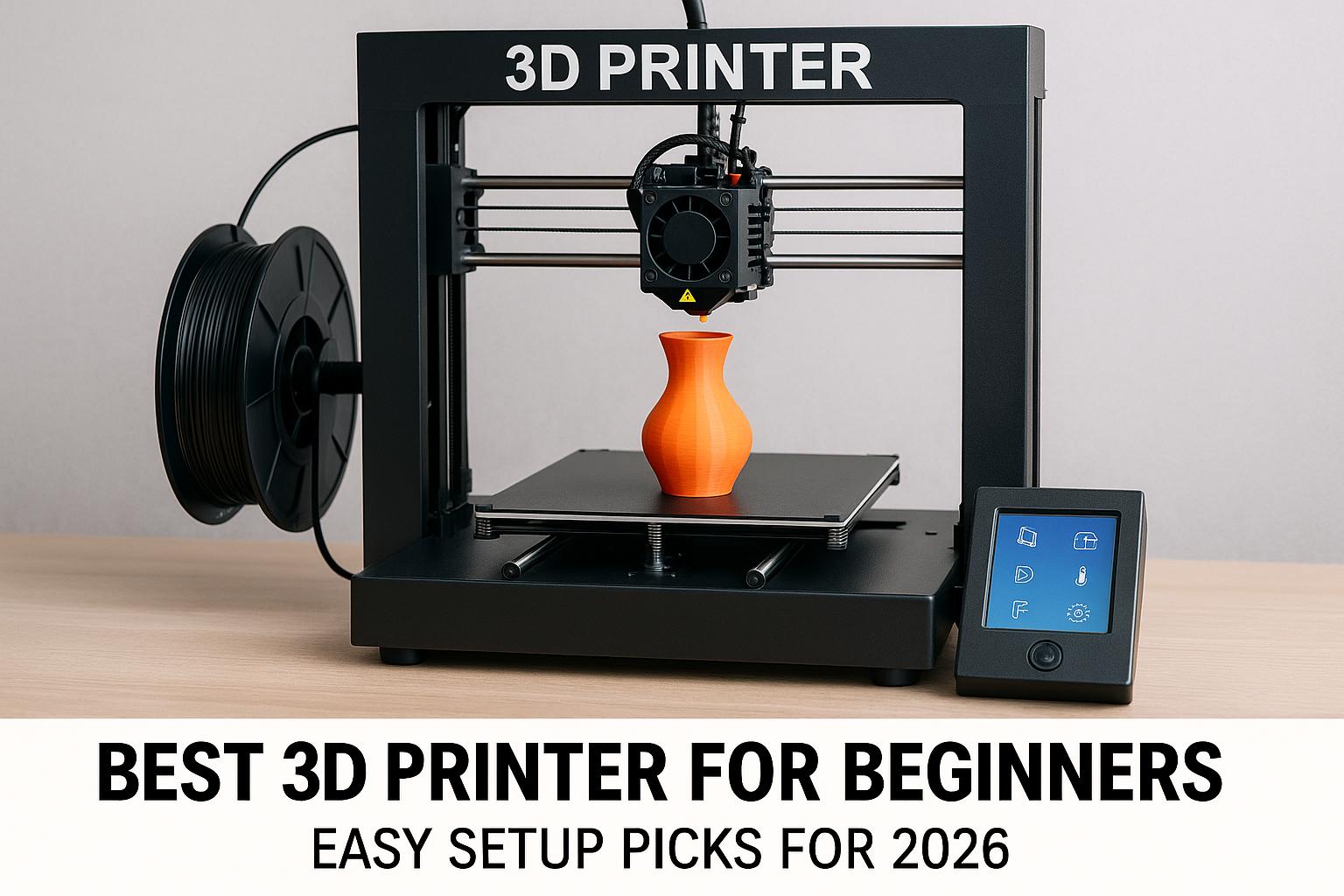
Choosing your first enclosed 3D printer is easier than it used to be, but it is not exactly simple. In 2026, many machines promise high speed, smart automation, and quieter operation, yet beginners still need to separate genuinely helpful features from expensive extras. From my perspective, the best enclosed 3D printer for beginners is not simply the fastest or the cheapest model. It is the one that gives you the fewest frustrating failures while leaving room to grow into better materials and larger projects.
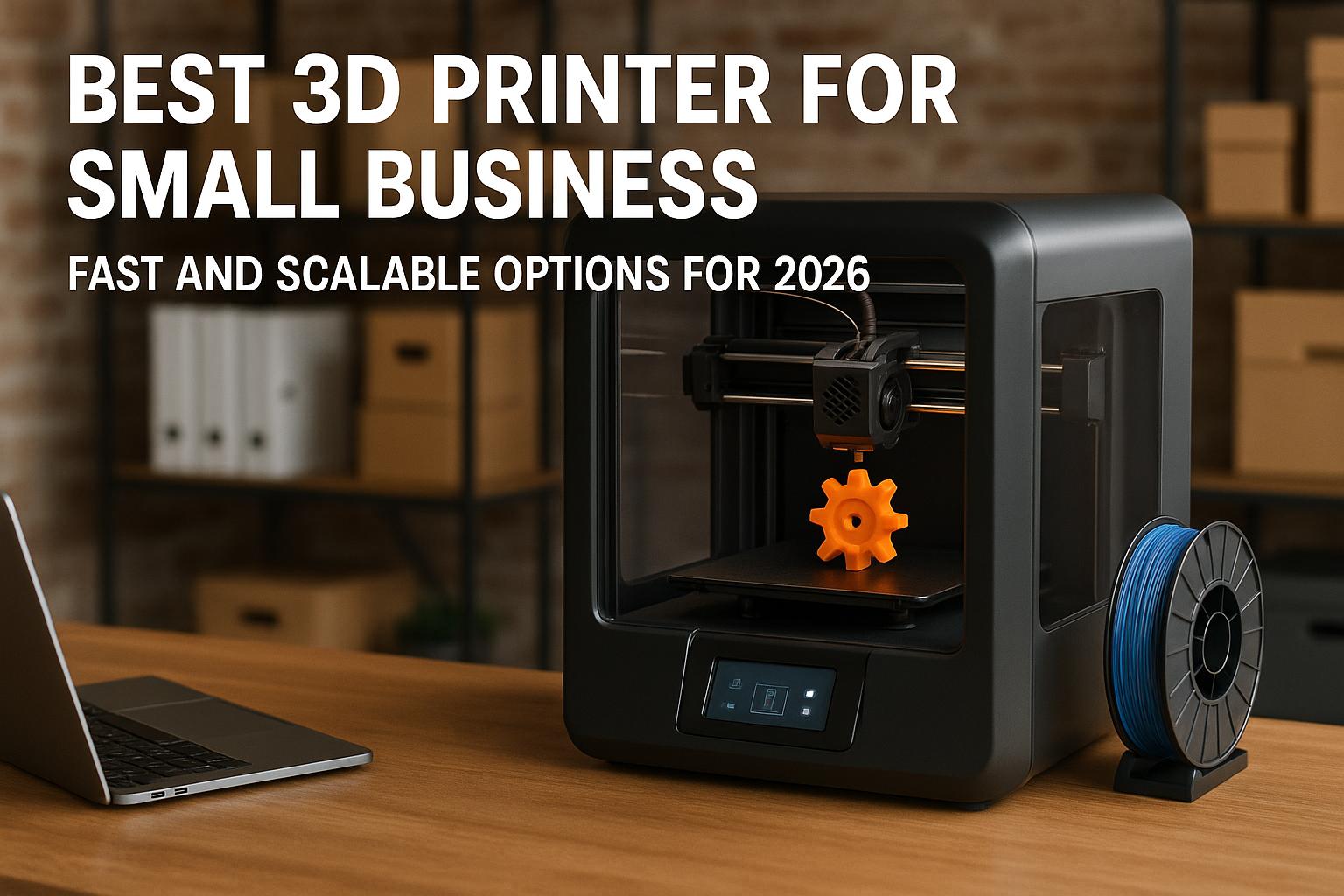
If you are comparing the best 3d printer for beginners that just works, the best quiet 3d printer for apartment, or even the best 3d printer for small business, enclosed printers deserve serious attention. They help with temperature consistency, reduce noise, and create a more controlled printing environment. That matters not only for hobby use, but also for classrooms, shared homes, Etsy production, and cosplay projects.
Disclosure: This article may earn a commission from qualifying purchases. Prices, coupons, and bundle offers on Amazon can change at any time, so it is worth checking the current price and listing details before buying.
Below, I compare several Creality models that fit different beginner profiles, from an affordable desktop option to larger and more advanced enclosed systems. Some are true first-printer candidates, while others make more sense for ambitious beginners who already know they want multicolor capability, larger build volume, or stronger material support.
Why Enclosed 3D Printers Suit Beginners
Safer printing environment
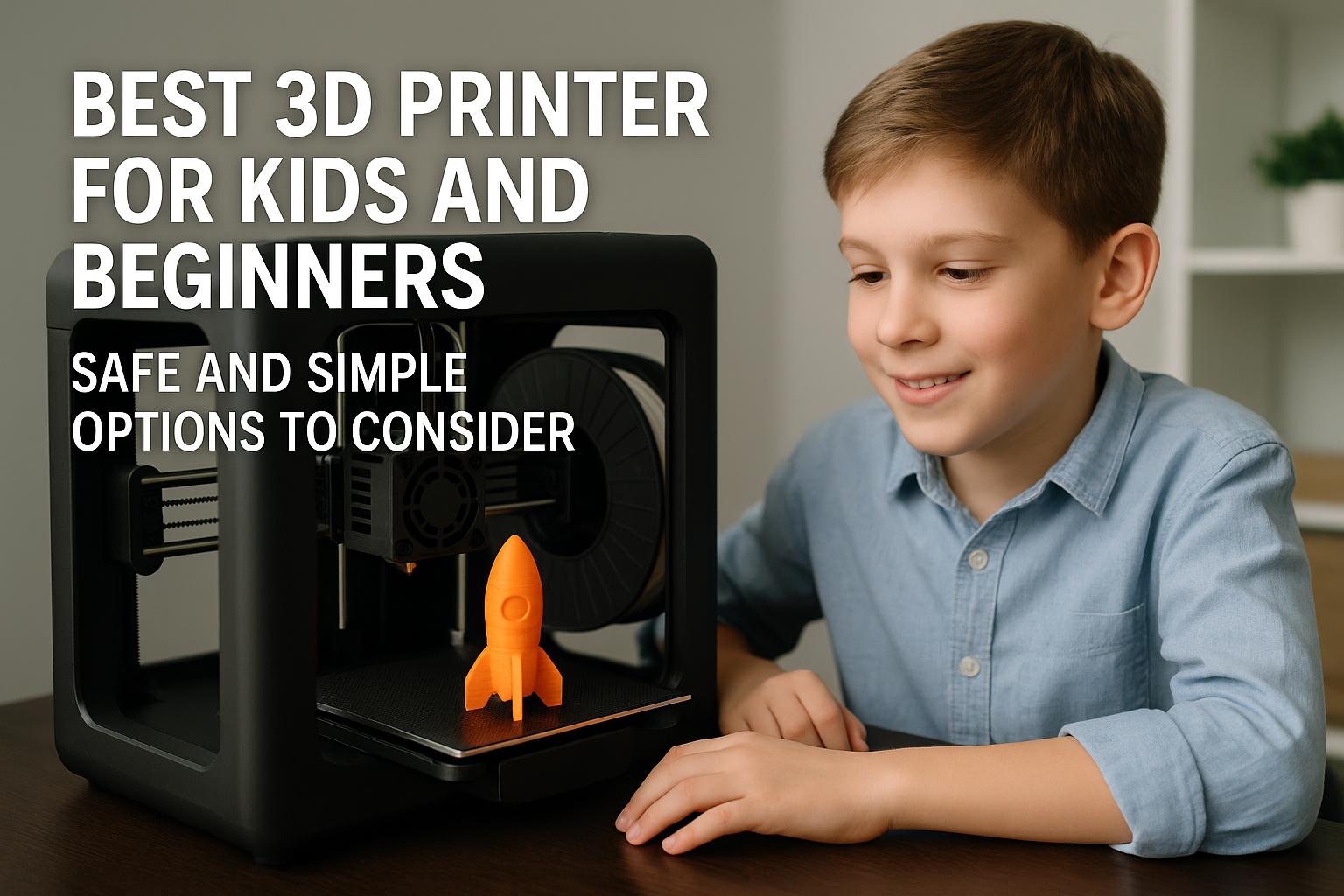
An enclosed machine can feel less intimidating for a new user. The print area is physically separated from your room, which helps keep moving parts less exposed and makes the printer a bit easier to live with in a family or school setting. I would not treat an enclosure as a substitute for sensible supervision, but for the best 3d printer for kids and beginners discussion, it is undeniably a plus.
More stable temperatures
Open-frame printers can work very well with PLA, but they are more sensitive to drafts and room temperature changes. Enclosed printers help create a steadier internal environment, which often improves adhesion and layer consistency. This becomes especially useful if you plan to move beyond PLA into PETG, ABS, or ASA later on.
Reduced noise and fumes
One reason beginners increasingly search for the best quiet 3d printer for apartment is that printers are no longer used only in workshops. They sit in bedrooms, offices, studios, and classrooms. An enclosure can damp mechanical noise and partially contain odor. Some of the models below also advertise particularly quiet operation, which is worth considering if the printer will run near your desk.
For many first-time buyers, the main benefit of an enclosure is not only safety or aesthetics. It is the simple fact that a controlled environment usually means fewer variables to troubleshoot.
Key Features to Compare in 2026
Auto leveling and calibration
If I had to choose one beginner-friendly feature that genuinely saves time, it would be reliable auto leveling. Manual bed leveling teaches useful skills, but it is also one of the fastest ways for new users to get discouraged. Models with guided calibration, self-checks, and one-tap leveling have a real advantage.
Print speed and build volume
Faster printing sounds exciting, and in fairness it can be practical. If a machine can reach 500 to 600 mm/s, it may reduce turnaround for prototypes, toys, organizers, and repeated parts. Still, speed alone is not enough. A beginner making display models and household accessories may not need a very large machine, while someone interested in helmets or production batches should think seriously about build volume from day one.
Touchscreen and app control
Good software and a clear interface matter more than many people expect. A responsive touchscreen, guided setup, and optional app or cloud support can shorten the learning curve. They do not replace understanding slicer settings, but they make the first few weeks much smoother.
| Property | Why it matters for beginners | What to watch for |
|---|---|---|
| Auto leveling | Reduces failed first layers | Check whether calibration is mostly automatic or still manual-heavy |
| Enclosure | Better temperature control and lower noise | Not all enclosed printers are equally good with advanced materials |
| Build volume | Determines project size | Larger machines take more space and cost more |
| Speed | Shorter print times for everyday use | High speed does not guarantee best surface finish |
| Multicolor support | Useful for signs, décor, and educational models | Some printers need CFS sold separately |
Best Enclosed 3D Printer Picks for Beginners
Entry-level all-rounder models
If your priority is affordability without dropping to a bare-bones machine, the Creality K2 SE is the most approachable option in this list. It is positioned as a compact, affordable, high-speed desktop printer with auto leveling, a direct-drive extruder, vibration control, guided calibration, and Creality Cloud support. On paper, that makes it one of the more credible answers for the best 3d printer for beginners under 500 and even a strong candidate for the under-$300 crowd when promotions apply.
Its biggest strength is balance. It offers a modern feature set without pushing beginners immediately into premium pricing. Creality also presents it with an optional multicolor path of up to 16 colors via CFS, but that system is sold separately, and I would keep that distinction very clear for first-time buyers.
If you want to check the current offer, see [url="https://www.amazon.com/dp/B0D922NSSQ?ref=t_ac_view_request_product_image&campaignId=amzn1.campaign.13FRT9H9H29NH&linkCode=tr1&tag=simonsreccos-20&linkId=amzn1.campaign.13FRT9H9H29NH_1780058662913",name="Creality K2 SE on Amazon",title="This link leads to the Creality K2 SE listing on Amazon"].
Best value options
The Creality K1C stands out if you want more speed and stronger material capability without moving into four-figure pricing. It is marketed as a fast CoreXY enclosed printer with a clog-resistant extruder, AI-powered monitoring, one-tap auto leveling, carbon-fiber compatibility, and a pre-assembled design. For a new user who already knows they want durable functional parts, this is arguably the value pick.
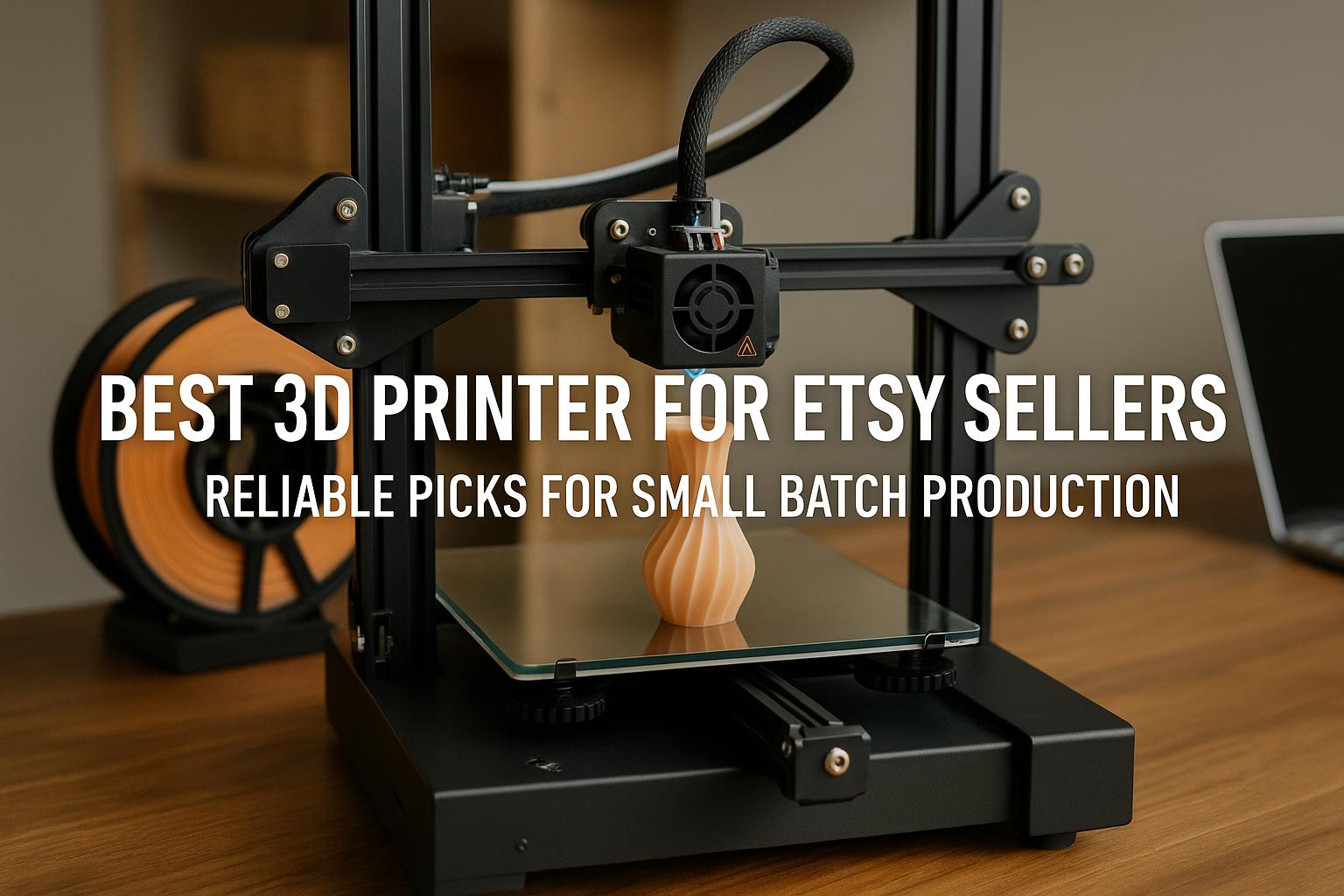
I think the K1C is especially interesting for buyers searching for the best 3d printer for etsy sellers or the best 3d printer for small business at a lower entry cost. Quiet operation at ≤45 dB also helps if you need an apartment-friendly machine. The tradeoff is that it is not the cheapest beginner option, and it is more compelling for practical makers than for someone focused on multicolor novelty prints.
Check the current price here: [url="https://www.amazon.com/dp/B0D95Z1W6K?ref=t_ac_view_request_product_image&campaignId=amzn1.campaign.SESNPTWUE0Q9&linkCode=tr1&tag=simonsreccos-20&linkId=amzn1.campaign.SESNPTWUE0Q9_1780058665579",name="Creality K1C on Amazon",title="This link leads to the Creality K1C listing on Amazon"]. Please note that any 50% filament discount applies only through the designated printer + filament bundle listing, not the standalone printer listing.
Premium beginner-friendly choices
At the higher end, the Creality K2 Plus Combo is the premium all-in-one option for ambitious beginners who want fewer setup headaches and a more complete creative workflow. It is sold as a flagship high-speed multicolor printer with up to 600 mm/s speed, CFS-based multi-color and multi-material support, full assembly, auto leveling, and ≤45 dB quiet operation.
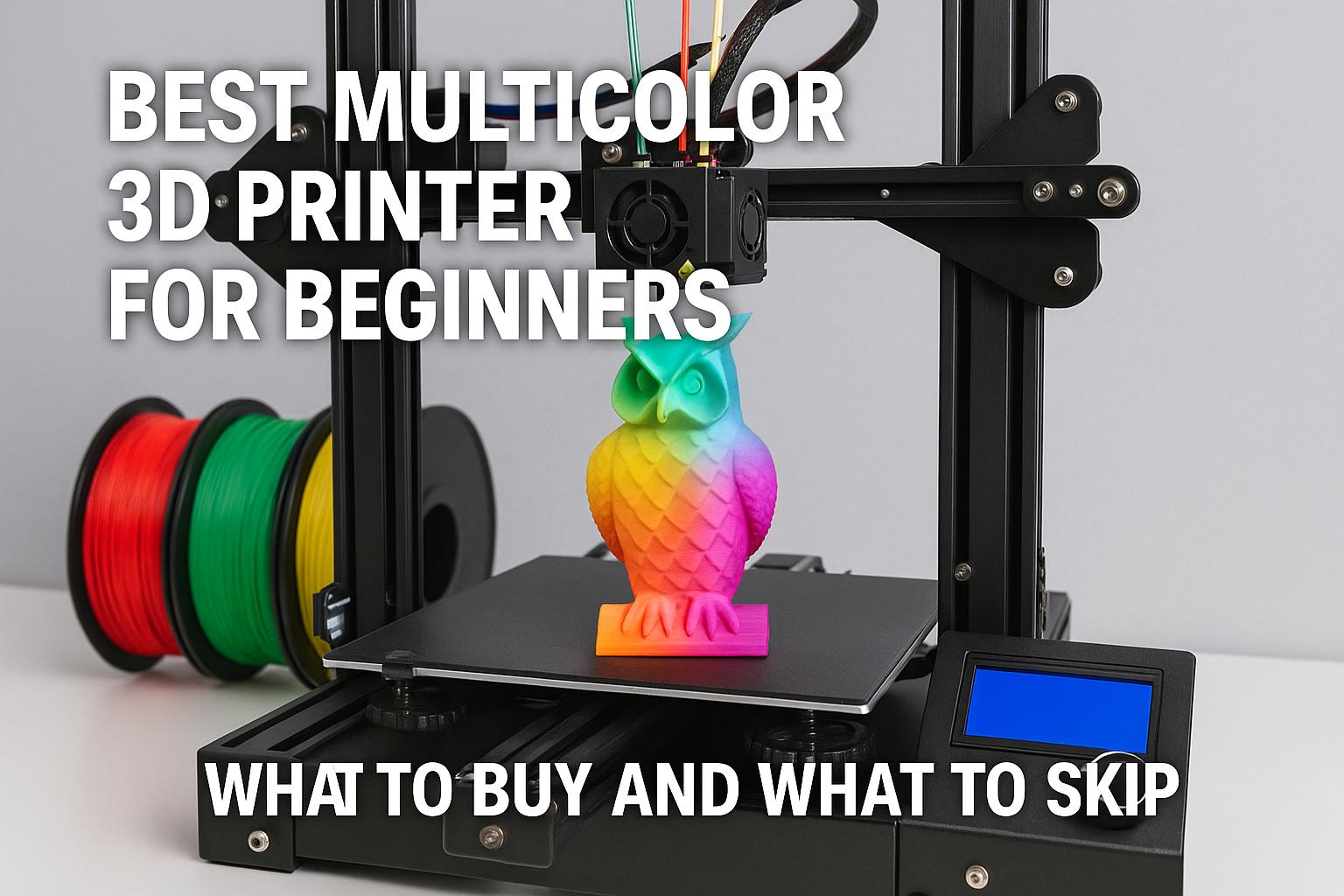
I would not label it a budget beginner printer. Instead, I see it as a choice for the buyer who wants the best multicolor 3d printer for beginners and is willing to pay for convenience. It makes particular sense for educators, designers, and tech-savvy hobbyists who want to skip slower entry-level platforms.
See the latest listing details here: [url="https://www.amazon.com/dp/B0F5HJMMT9?ref=t_ac_view_request_product_image&campaignId=amzn1.campaign.36N63R999Y0GY&linkCode=tr1&tag=simonsreccos-20&linkId=amzn1.campaign.36N63R999Y0GY_1780058654882",name="Creality K2 Plus Combo on Amazon",title="This link leads to the Creality K2 Plus Combo listing on Amazon"].
The Creality K2 Pro Combo sits in a similarly ambitious tier, but with a more creator-focused emphasis on 16-color output, AI monitoring, and advanced material support such as ABS, ASA, and carbon-fiber filaments. For décor, figurines, cosplay props, and visually complex designs, it is a compelling upgrade path.
Take a look at the current offer here: [url="https://www.amazon.com/dp/B0FDG38DSW?ref=t_ac_view_request_product_image&campaignId=amzn1.campaign.2LOC5X37HAZ&linkCode=tr1&tag=simonsreccos-20&linkId=amzn1.campaign.2LOC5X37HAZ_1780058664827",name="Creality K2 Pro Combo on Amazon",title="This link leads to the Creality K2 Pro Combo listing on Amazon"]. As with other offers, bundle promotions can vary, and any filament discount is tied to the designated machine + filament bundle.
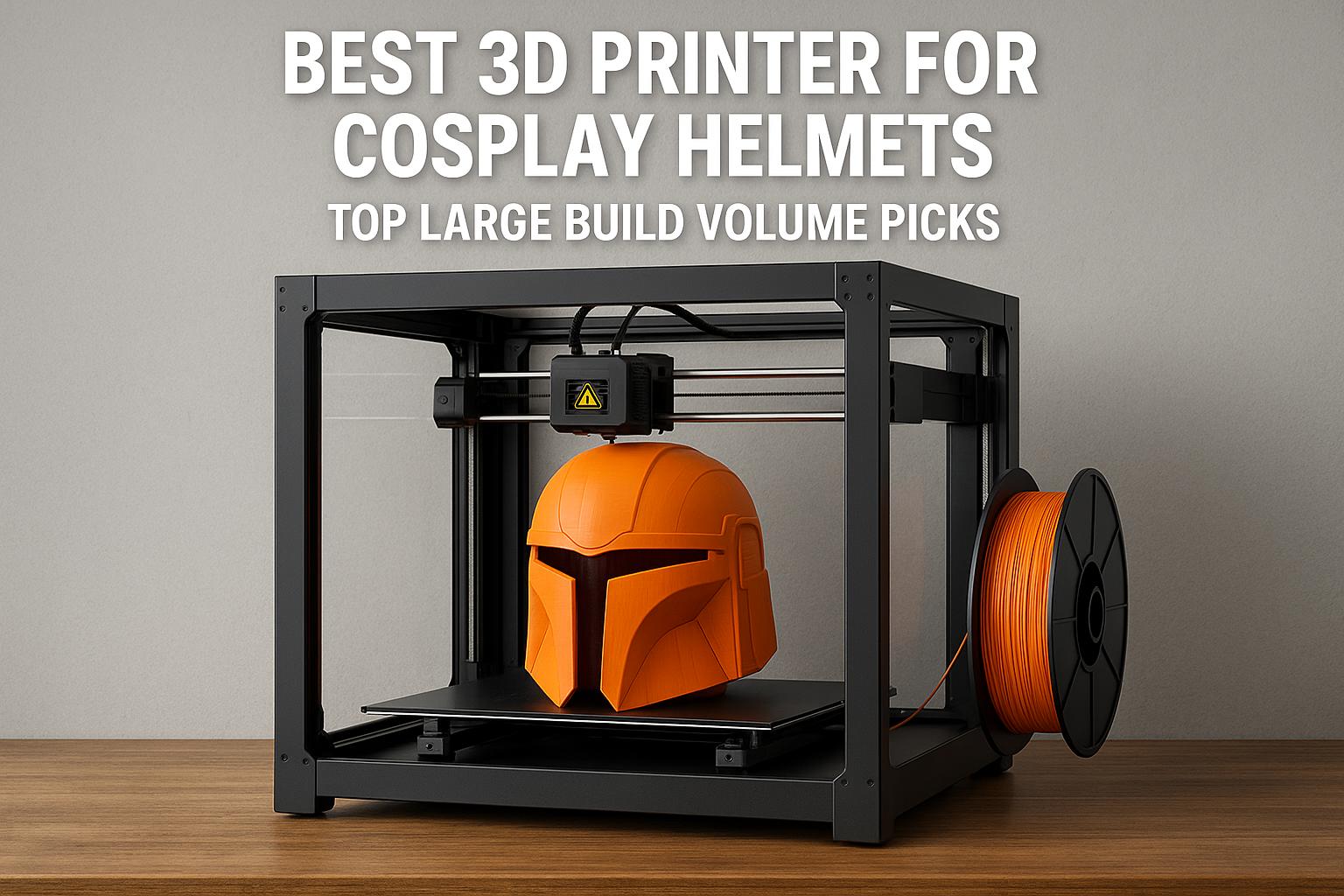
Finally, the Creality K2 Plus 3D Printer deserves attention from buyers who care more about scale than built-in multicolor convenience. Its 350 × 350 × 350 mm build volume makes it the most relevant option here for the best 3d printer for cosplay helmets or even the best large format 3d printer for cosplay conversation. It features 600 mm/s speed, dual AI cameras, intelligent monitoring, failure detection, self-tests, and full-auto leveling. However, multicolor requires the CFS, which is sold separately.
See the product page here: [url="https://www.amazon.com/dp/B0F5H4SSNS?ref=t_ac_view_request_product_image&campaignId=amzn1.campaign.QP7BWTP45334&linkCode=tr1&tag=simonsreccos-20&linkId=amzn1.campaign.QP7BWTP45334_1780058661707",name="Creality K2 Plus 3D Printer on Amazon",title="This link leads to the Creality K2 Plus 3D Printer listing on Amazon"]. Also note that the 50% filament discount only applies through the specific printer + filament bundle listing, not the standalone printer listing.
| Model | Best fit | Main caveat |
|---|---|---|
| Creality K2 SE | Budget-conscious beginners who want modern features | CFS multicolor is optional and sold separately |
| Creality K1C | Makers wanting fast, quiet, carbon-fiber-capable printing | Less focused on beginner multicolor workflow |
| Creality K2 Plus Combo | Premium buyers wanting multicolor convenience | High price for a first printer |
| Creality K2 Pro Combo | Visual creators needing multicolor and advanced materials | Still a premium-tier purchase |
| Creality K2 Plus | Large props, helmets, and bigger functional parts | CFS for multicolor is sold separately |
- Enclosed printers are quieter and more beginner-friendly in shared spaces
- Auto leveling and guided calibration reduce early setup frustration
- Modern Creality models offer strong upgrade paths for advanced materials and multicolor printing
- Premium enclosed models can cost far more than basic starter printers
- Multicolor support is not always included, even when advertised as compatible
- Larger enclosed machines need more desk space and a higher budget
Materials and Print Quality Expectations
PLA, PETG, and ABS compatibility
Most beginners start with PLA, and that is still the smartest path. It is forgiving, widely available, and easier to dial in. PETG is a good second step if you want more toughness. ABS and ASA are more demanding, but an enclosure helps make them more realistic options. Models such as the K2 Pro Combo and K1C are especially relevant if advanced materials are part of your plan.
Surface finish and layer consistency
Print quality depends on slicer settings, filament dryness, and tuning, not only on the machine. Still, enclosed designs can improve consistency because the print is less exposed to shifting room conditions. For a beginner, this often means fewer warped corners, fewer adhesion surprises, and smoother repeatability across similar prints.
Enclosure impact on print results
I would be careful not to overstate this. An enclosure does not automatically produce flawless results, and high-speed printing can still demand compromises. But it does stack the odds in your favor, especially once you move past decorative PLA pieces into functional or larger-format work.
Setup, Maintenance, and Ease of Use
Out-of-box assembly time
Beginners often underestimate how much their first impression matters. A pre-assembled or largely assembled printer can get you from unboxing to first print much faster. That is one reason the K1C and K2 Plus Combo are attractive despite their higher cost. The K2 SE also aims to simplify entry with quick assembly and guided calibration.
Routine cleaning and part replacement
No 3D printer is maintenance-free. You will still need to clean surfaces, monitor nozzle wear, replace consumable parts occasionally, and keep filament dry. What matters is whether the printer makes routine care manageable rather than mysterious. Machines with self-tests, monitoring, and good interface feedback tend to reduce beginner anxiety.
Beginner-friendly software workflow
In real use, software can decide whether a printer feels welcoming or frustrating. Guided profiles, cloud monitoring, and straightforward slicing presets help beginners far more than long spec sheets do. If you dislike technical fiddling, prioritize software polish almost as much as hardware quality.
Common Mistakes First-Time Buyers Should Avoid
Choosing size over reliability
A larger build volume sounds impressive, but if you mainly want toys, desk items, and simple brackets, a huge printer may add cost and complexity without helping much. Buy for your typical use, not your biggest hypothetical project.
Ignoring filament ecosystem
Some new users focus entirely on the printer and forget ongoing material needs. Filament availability, material support, and bundle terms all matter. If a listing mentions discounted filament, read carefully. In these Creality campaigns, some filament offers apply only to designated bundles, not standalone machine listings.
Overlooking support and spare parts
The best beginner experience is not simply about day-one setup. It is about whether replacement parts, community help, and documentation remain easy to find after six months. That is particularly important if you plan to use the machine heavily for Etsy products, school work, or side-business production.
How to Choose the Right Model for Your Needs
Budget and feature priorities
If your budget is tight, the K2 SE is the obvious place to start. If you can spend more and value durability, speed, and quieter operation, the K1C is a stronger long-term tool. If convenience and multicolor are central to your workflow, the K2 Plus Combo and K2 Pro Combo become much more persuasive.
Home, school, or hobby use
For home use, quiet operation and compact footprint matter. For schools, guided setup and predictable printing are important. For hobby studios or maker businesses, you may care more about throughput, advanced materials, and monitoring. That is why there is no single answer for everyone, even within the beginner category.
Recommendation based on skill level
For an absolute beginner who wants sensible cost control, I would start with the Creality K2 SE. For a beginner who already knows they want a serious enclosed machine that can handle tougher projects, the Creality K1C makes a strong case. For buyers who want to begin with an ambitious, premium setup and care about multicolor creativity, the Creality K2 Plus Combo is the most straightforward premium recommendation. And if your real goal is oversized props or helmets, the Creality K2 Plus is the large-format pick worth considering.
Quick recommendation: Start with the K2 SE if you want affordable, beginner-friendly enclosed printing. Choose the K1C if you want the value sweet spot for speed, quiet operation, and tougher materials. Step up to the K2 Plus Combo or K2 Pro Combo only if you know you want premium multicolor capability from the beginning.
Final Buying Recommendation
The best enclosed 3D printer for beginners in 2026 depends on what kind of beginner you are. If you want low risk and reasonable cost, go with the K2 SE. If you want a more capable machine that still feels practical, the K1C is the strongest value in this group. If you are ready to spend more for multicolor convenience and a more advanced workflow, the K2 Plus Combo is the premium pick that makes the most sense.
To compare the latest listings, check the current price for the [url="https://www.amazon.com/dp/B0D922NSSQ?ref=t_ac_view_request_product_image&campaignId=amzn1.campaign.13FRT9H9H29NH&linkCode=tr1&tag=simonsreccos-20&linkId=amzn1.campaign.13FRT9H9H29NH_1780058662913",name="Creality K2 SE",title="This link leads to the Creality K2 SE listing on Amazon"], [url="https://www.amazon.com/dp/B0D95Z1W6K?ref=t_ac_view_request_product_image&campaignId=amzn1.campaign.SESNPTWUE0Q9&linkCode=tr1&tag=simonsreccos-20&linkId=amzn1.campaign.SESNPTWUE0Q9_1780058665579",name="Creality K1C",title="This link leads to the Creality K1C listing on Amazon"], [url="https://www.amazon.com/dp/B0F5HJMMT9?ref=t_ac_view_request_product_image&campaignId=amzn1.campaign.36N63R999Y0GY&linkCode=tr1&tag=simonsreccos-20&linkId=amzn1.campaign.36N63R999Y0GY_1780058654882",name="Creality K2 Plus Combo",title="This link leads to the Creality K2 Plus Combo listing on Amazon"], [url="https://www.amazon.com/dp/B0FDG38DSW?ref=t_ac_view_request_product_image&campaignId=amzn1.campaign.2LOC5X37HAZ&linkCode=tr1&tag=simonsreccos-20&linkId=amzn1.campaign.2LOC5X37HAZ_1780058664827",name="Creality K2 Pro Combo",title="This link leads to the Creality K2 Pro Combo listing on Amazon"], and [url="https://www.amazon.com/dp/B0F5H4SSNS?ref=t_ac_view_request_product_image&campaignId=amzn1.campaign.QP7BWTP45334&linkCode=tr1&tag=simonsreccos-20&linkId=amzn1.campaign.QP7BWTP45334_1780058661707",name="Creality K2 Plus",title="This link leads to the Creality K2 Plus listing on Amazon"]. Read each listing carefully, especially when bundle discounts or CFS add-ons are involved.
FAQ
- help
Is an enclosed 3D printer better for beginners?
In many cases, yes. An enclosure helps with temperature stability, reduces noise, and can make the printer easier to place in a home, classroom, or apartment. It does not guarantee perfect results, but it often reduces common beginner frustrations.
- help
Which Creality model is the most beginner-friendly on a budget?
The Creality K2 SE is the most budget-friendly option in this comparison. It offers modern features such as auto leveling, guided calibration, and a future multicolor upgrade path through CFS, which is sold separately.
- help
What is the best enclosed 3D printer for cosplay helmets?
Among these options, the Creality K2 Plus is the most relevant for large cosplay pieces because of its 350 × 350 × 350 mm build volume. It is better suited to helmets and larger props than compact desktop printers.
- help
Do these printers include multicolor printing out of the box?
Not all of them. The K2 Plus Combo is positioned as a multicolor-ready combo package using CFS. The K2 Plus and K2 SE can support multicolor with CFS, but the CFS is sold separately. Always verify the exact listing contents before you buy.
- help
Are resin printers better for miniatures than enclosed FDM printers?
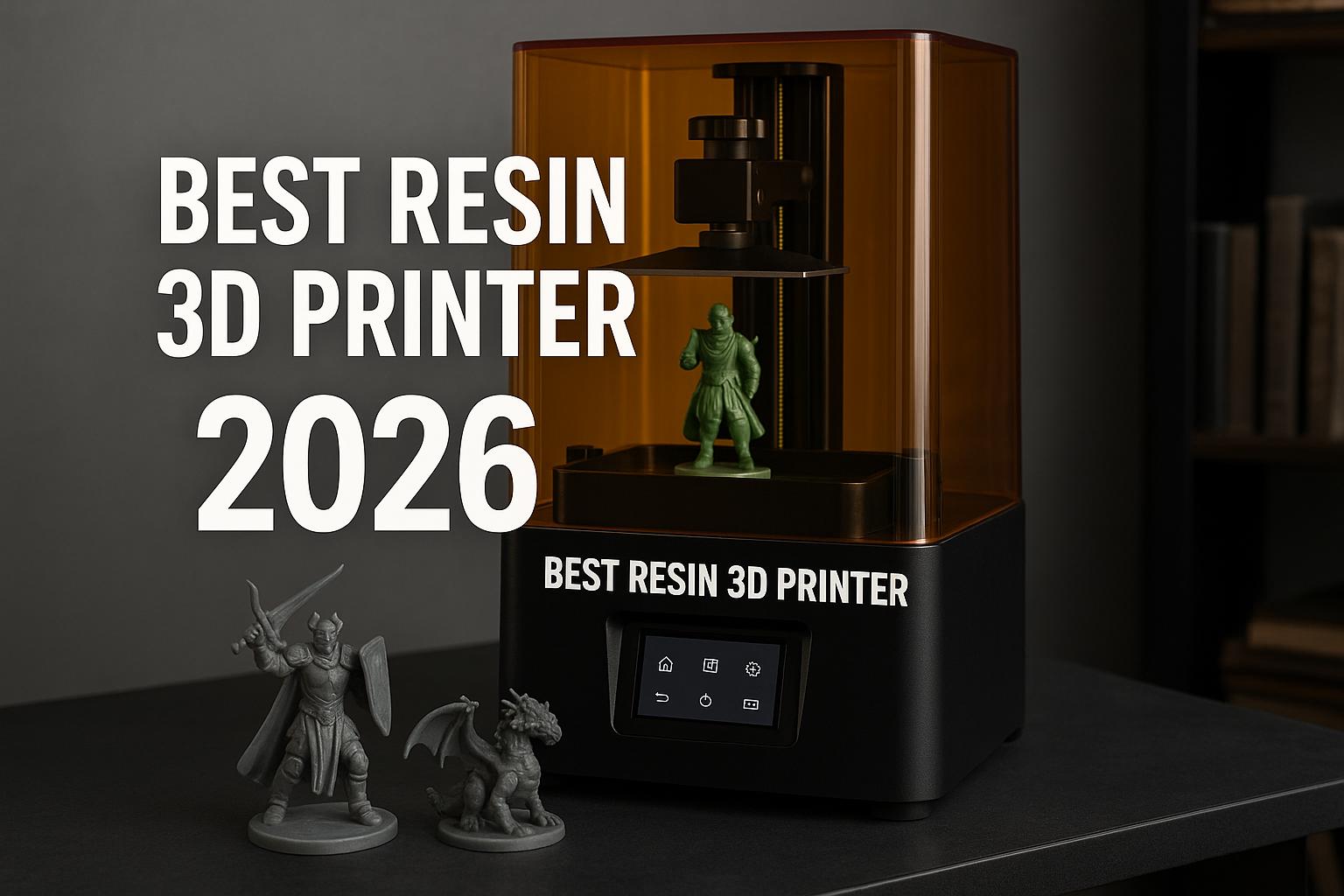
If your main goal is the best resin 3d printer for miniatures or the best resin printer for dnd miniatures, resin remains the stronger technology for tiny detail. However, enclosed FDM printers are often easier for general household use, larger props, functional parts, and lower-mess workflows.