Best Quiet 3D Printer for Apartment Use: Low-Noise Picks for Small Spaces
Disclosure: This article may earn a commission from qualifying purchases. Prices, coupons, bundle offers, and availability can change on Amazon, so it is always worth checking the current listing details before you buy.
Best Quiet 3D Printer for Apartment Use: What Actually Matters
Finding the best quiet 3d printer for apartment use is less about marketing claims and more about understanding where printer noise comes from, how that sound travels in small rooms, and which machine types fit real everyday living. In my view, apartment printing is a different category from workshop printing. In a garage or studio, a loud fan or rattling frame is inconvenient. In a one-bedroom apartment with shared walls, it can become the reason a printer gets used less than expected.
For that reason, I focused here on low-noise behavior, compact practicality, setup ease, and realistic buyer fit. I also looked at several current Creality options because they cover very different needs: from affordable desktop machines to premium enclosed systems with multicolor workflows. Some are easier to recommend to new users, while others make more sense for educators, Etsy sellers, and small-business users who value output over entry price.
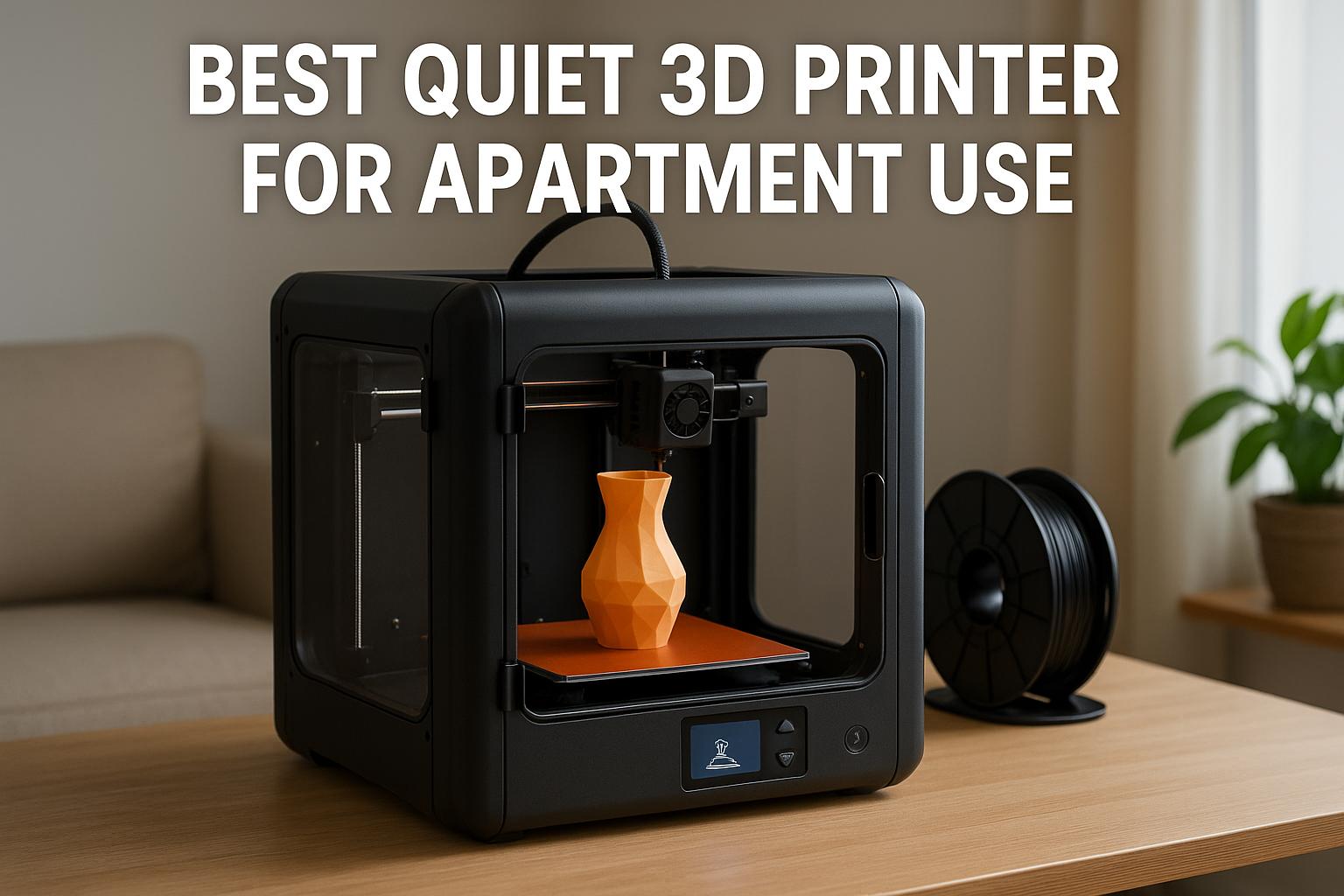
If you live in an apartment, a quieter printer is only part of the equation. Surface vibration, fan tone, enclosure design, and room placement usually matter just as much as the quoted decibel figure.
Why Noise Matters in Apartment 3D Printing
Most people notice printer noise only after the novelty of the first few prints wears off. At that point, daily usability becomes the real test. A machine that sounds acceptable for 20 minutes can feel much louder during a six-hour print in a compact room. In apartments, the challenge is not simply whether a printer is “loud,” but whether it produces the kind of sound that carries through floors, desks, and walls.
Common sound sources in 3D printers
3D printers make noise in several ways at once. Stepper motors create motion sounds during travel moves and layer changes. Fans add a steady background hum, and some are much more noticeable than others because of pitch rather than sheer volume. Bedslingers can also transmit vibration into furniture, especially during quick directional changes. Then there are smaller noises many buyers forget about: filament spool friction, belt resonance, enclosure panels, and occasional beeps or startup checks.
From my perspective, the most annoying printers are not always the loudest on paper. The worst offenders are often machines with sharp, high-frequency fan noise or frames that turn a tabletop into a sounding board.
How noise affects shared walls and small rooms
Apartment users deal with two kinds of sound problems. The first is airborne noise, such as fan hum or motor whine. The second is structure-borne vibration, which transfers through desks, shelving, and flooring. Shared walls make both more noticeable. A printer near a wall can effectively project noise into the next room, while an unstable table can amplify movement far beyond what the printer itself seems to produce.
This matters even more if you work from home, share a room, or try to print during the evening. A machine that is tolerable in a basement may feel intrusive in a studio apartment.
Benefits of quiet operation for daily use
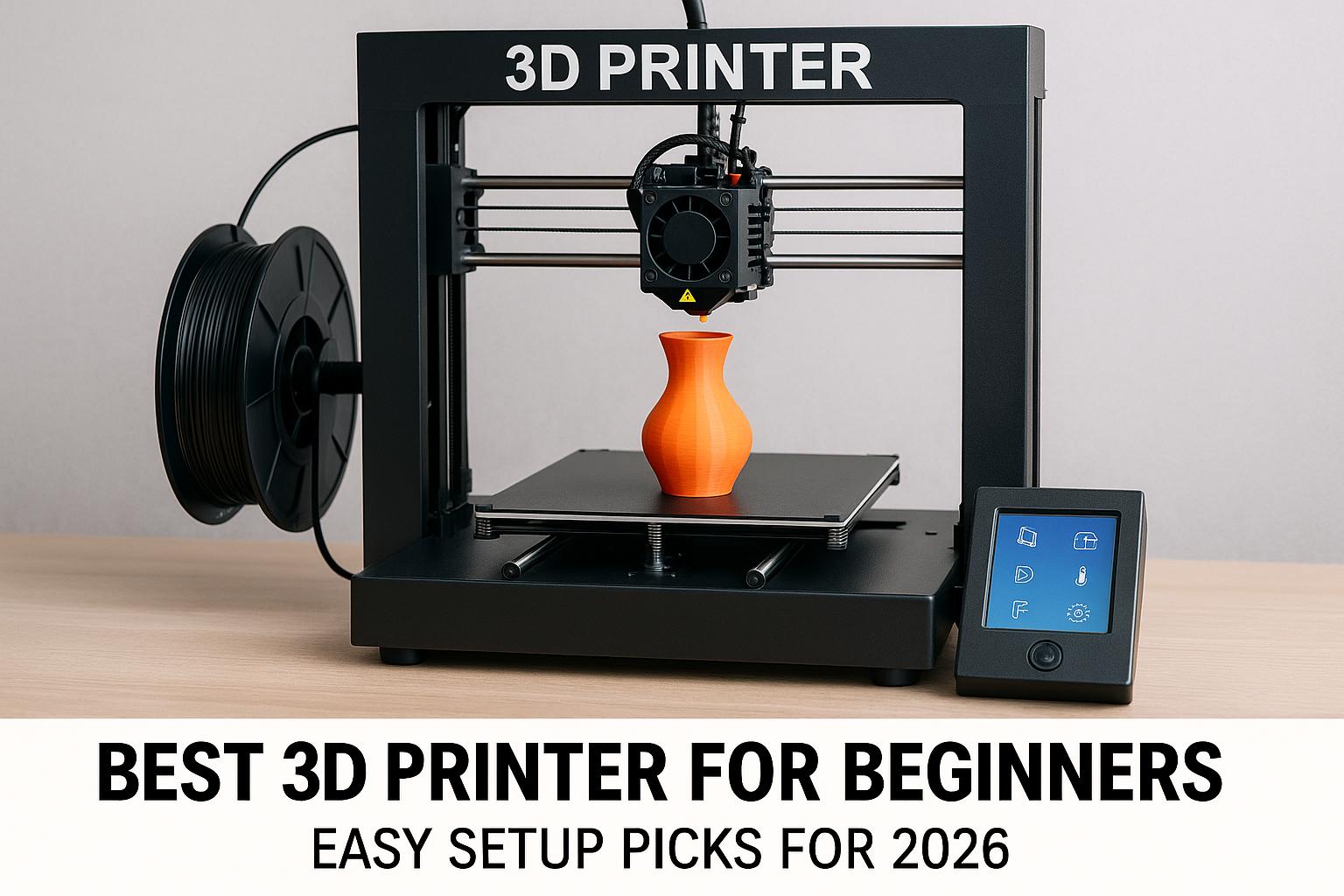
A quieter machine is easier to integrate into real life. You can run longer jobs without planning your whole day around them. Video calls, studying, television, and sleep become less disrupted. Over time, that often means the printer gets used more often and for more practical projects. For beginners, especially those searching for the best 3d printer for beginners that just works, reduced noise usually goes hand in hand with better tuning, improved motion control, and less fiddly setup.
In small spaces, the best printer is rarely the one with the biggest spec sheet. It is the one you can comfortably live with five days a week.
What Makes a 3D Printer Quiet
Quiet printing is rarely caused by one feature alone. It is usually the result of multiple design choices working together: better electronics, stiffer frames, smoother motion systems, and more refined cooling.
Silent stepper drivers and quieter motors
Silent stepper drivers make a major difference because they reduce the harsh electronic chatter that older printers often produced. That alone can transform a machine from distracting to manageable. Motors also matter, but driver tuning is usually the bigger factor in perceived sound.
Among current options, models like the Creality K1C and K2 Plus Combo specifically emphasize quieter operation, with quoted levels reaching ≤45 dB in silent or ultra-quiet operation modes. That does not mean they are silent in practice, but it does suggest they are designed with home use in mind.
Frame stability and vibration control
A rigid frame helps in two ways. First, it improves print consistency at higher speeds. Second, it reduces unwanted resonance. Machines with all-metal construction, vibration control, and more stable motion systems generally sound more controlled. The Creality K2 SE, for example, is positioned as a compact desktop machine with a rigid metal frame and vibration control, which is relevant for apartment users who need a printer that behaves well on a desk instead of a workshop bench.
Fan quality and enclosure impact
Fans are often underestimated. A good motion system can still sound noisy if the hotend, electronics, or chamber fans are poorly tuned. Enclosures can help contain some sound, though they also change how noises resonate. In apartment use, enclosed designs often feel less intrusive because they soften the mechanical character of the printer. They can also be useful for temperature stability and material handling, which is one reason some buyers looking for the best enclosed 3d printer for beginners end up preferring enclosed CoreXY-style machines over open bedslingers.
Key Features to Compare Before Buying
If your goal is a practical apartment machine, the buying criteria shift slightly. Maximum build volume is less important than usable size, setup reliability, and day-to-day comfort.
Noise level, print speed, and size balance
There is always a balance between speed and sound. Faster machines can finish prints sooner, which is useful, but rapid acceleration can also create more motion noise. However, a well-designed fast printer often sounds better than a cheaply built slow one. The key is controlled movement rather than raw speed claims.
For small apartments, I would generally avoid choosing purely on build area unless you know you need it. Large-format printers are valuable for cosplay, helmets, or production use, but they occupy more space and tend to dominate a room. That is why a machine marketed as the best large format 3d printer for cosplay may be excellent for props yet still be the wrong fit for an apartment desk.
Bed leveling and ease of setup
Automatic leveling and guided calibration reduce frustration, but they also reduce noise-related trial and error. A printer that starts correctly with fewer failed first layers runs fewer repeat jobs and less overnight troubleshooting. For newer users shopping for the best 3d printer for beginners under 500, this is often more important than chasing niche features.
Build volume for compact apartment needs
Most apartment users print household organizers, hobby parts, planters, game accessories, educational models, and small décor rather than giant props. For that reason, compact and mid-size printers usually offer the best value. They fit better on furniture, need less clearance, and are easier to isolate on anti-vibration pads. Large build volumes are helpful for the best 3d printer for cosplay helmets or the best 3d printer for small business, but not essential for everyone.
| Property | Best Match | Why It Matters in an Apartment |
|---|---|---|
| Low operating noise | K1C, K2 Plus Combo | Quoted quiet operation around ≤45 dB helps in shared spaces |
| Compact footprint | K2 SE | Easier to place on a desk or storage unit |
| Large build volume | K2 Plus | Useful for helmets, props, batch parts, but harder to house |
| Multicolor workflow | K2 Plus Combo, K2 Pro Combo | Good for visual projects, décor, signs, and figurines |
| Beginner-friendly setup | K2 SE, K1C | Reduces learning friction and failed starts |
Best Quiet 3D Printer Types for Small Spaces
Different living situations call for different printer styles. Rather than naming a single winner too early, it helps to group quiet apartment printers by use case.
Compact enclosed models
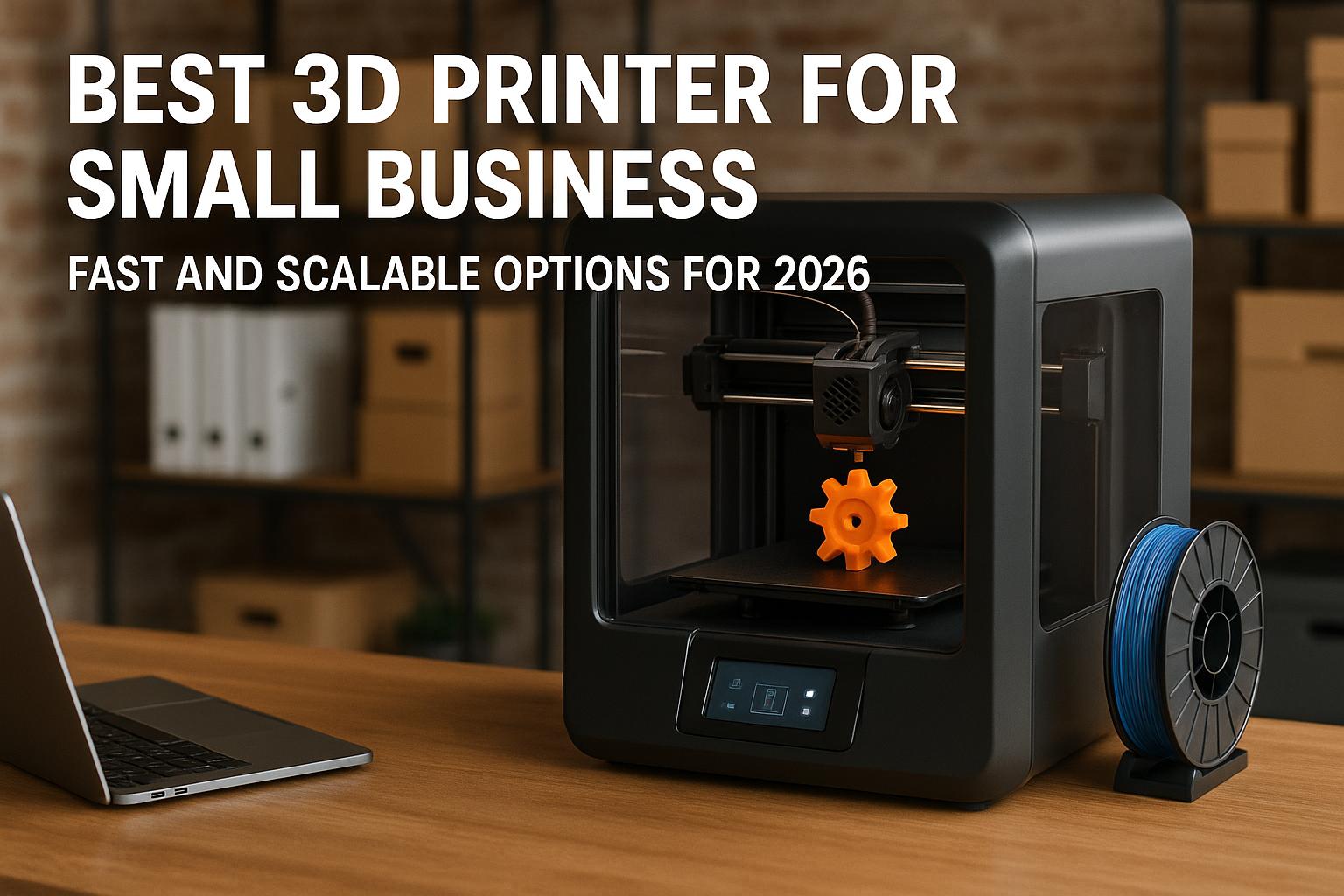
Compact enclosed printers are often the most apartment-friendly category because they contain part of the sound and generally look tidier in a living space. They also help if you want a machine that feels less exposed around pets or general household dust. In this category, the Creality K1C stands out as a strong value option. It offers 600 mm/s speed, a CoreXY system, pre-assembled design, one-tap auto leveling, AI-powered monitoring, and a quoted silent mode at ≤45 dB. For buyers who want a practical machine that is fast, relatively quiet, and capable with tougher materials like PLA-CF and PETG-CF, it makes a lot of sense.
That is especially true for users comparing options for the best 3d printer for etsy sellers or the best 3d printer for small business. It is not a giant production machine, but it offers a useful mix of speed, durability, and livability. If that sounds close to what you need, you can [url="https://www.amazon.com/dp/B0D95Z1W6K?ref=t_ac_view_request_product_image&campaignId=amzn1.campaign.SESNPTWUE0Q9&linkCode=tr1&tag=simonsreccos-20&linkId=amzn1.campaign.SESNPTWUE0Q9_1780058665579",name="check the current K1C price on Amazon",title="This link leads to the Creality K1C listing on Amazon"] and confirm whether the current listing is the standalone printer or a designated bundle. The filament discount applies only through the specific bundle listing, not the standalone printer.
Low-vibration bedslinger options
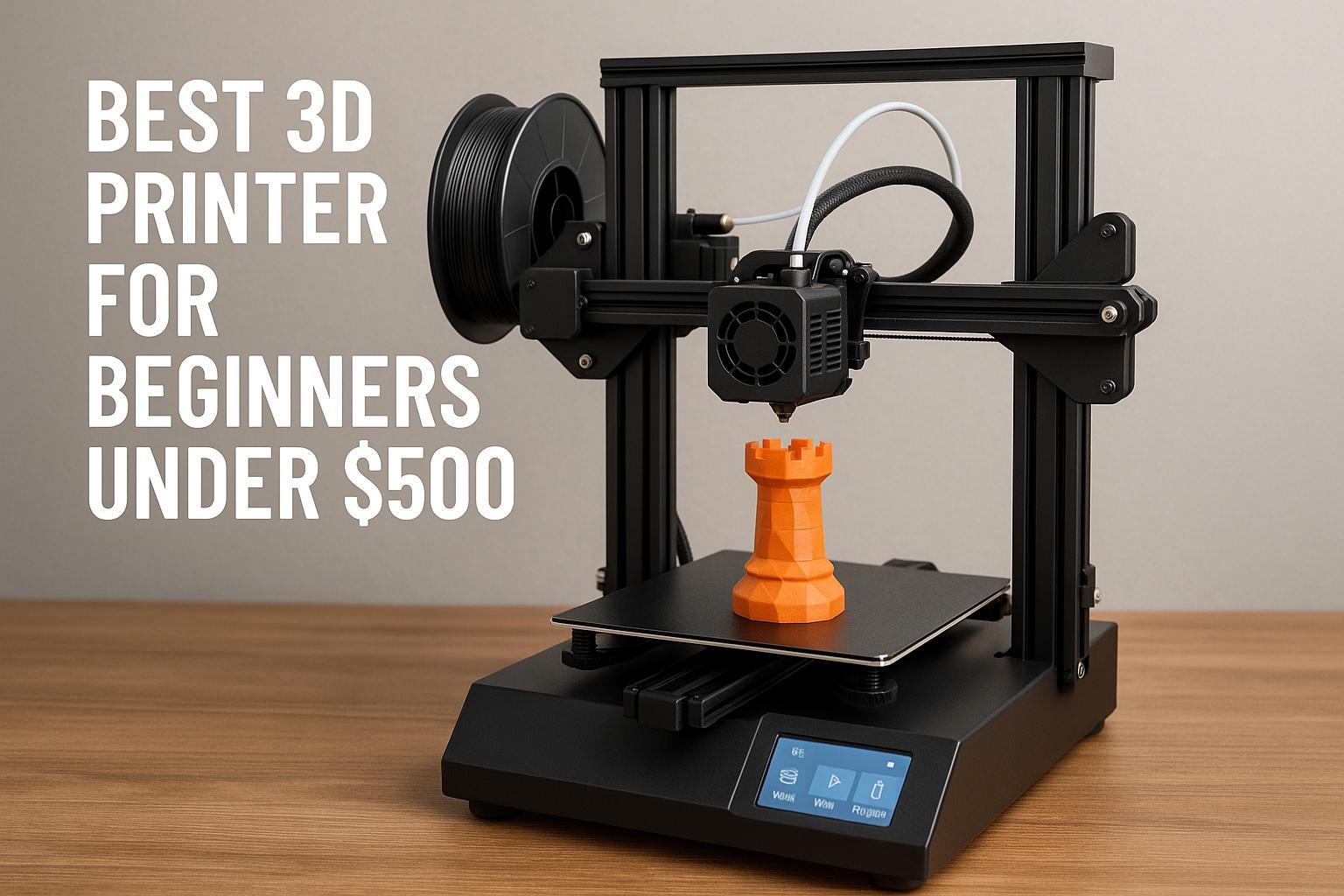
For budget-minded users, the Creality K2 SE is the most interesting desktop fit. It is compact, has a direct-drive extruder, auto leveling, intelligent calibration, quick assembly, and a rigid all-metal frame with vibration control. It is also positioned as an affordable path into faster printing, with up to 500 mm/s speed.
I think this is one of the more sensible choices for users searching broad phrases like best 3d printer for kids and beginners or best 3d printer for beginners under 500, provided expectations are realistic. It is not pitched as a premium enclosed printer, and multicolor support requires CFS sold separately. Still, if your priority is a compact unit that is more apartment-friendly than many older entry-level printers, the K2 SE deserves attention. You can [url="https://www.amazon.com/dp/B0D922NSSQ?ref=t_ac_view_request_product_image&campaignId=amzn1.campaign.13FRT9H9H29NH&linkCode=tr1&tag=simonsreccos-20&linkId=amzn1.campaign.13FRT9H9H29NH_1780058662913",name="check the current K2 SE price here",title="This link leads to the Creality K2 SE listing on Amazon"] if you want an under-$300 style option with a future multicolor upgrade path.
Beginner-friendly plug-and-play machines
If your budget is higher and you want fewer setup headaches, the Creality K2 Plus Combo is the premium apartment-friendly pick in this lineup. It is fully assembled, plug-and-play, auto-leveling, supports multi-color and multi-material printing using CFS, and is quoted at ≤45 dB for ultra-quiet operation. It is clearly not aimed at bargain hunters. Instead, it targets buyers who want a serious setup with convenience built in.
This makes it relevant not just for apartment users but also for readers comparing the best multicolor 3d printer for beginners, the best enclosed 3d printer for beginners, or a machine suitable for classrooms and design work. In a small apartment, the premium price only makes sense if you will truly use the faster workflow, quieter behavior, and multicolor flexibility. If that describes you, [url="https://www.amazon.com/dp/B0F5HJMMT9?ref=t_ac_view_request_product_image&campaignId=amzn1.campaign.36N63R999Y0GY&linkCode=tr1&tag=simonsreccos-20&linkId=amzn1.campaign.36N63R999Y0GY_1780058654882",name="see the current K2 Plus Combo offer",title="This link leads to the Creality K2 Plus Combo listing on Amazon"] and verify the latest discount, since Amazon promotions can change.
- Quieter operation is far easier to live with in small rooms
- Enclosed or refined machines usually feel more polished day to day
- Auto leveling and guided setup reduce failed prints and repeat noise
- Fast printers can shorten total printing time even if they are not silent
- Low noise often costs more up front
- Large machines can overwhelm limited apartment space
- Multicolor systems may add cost and complexity
- Quoted decibel ratings do not reflect every room or surface
Ways to Reduce 3D Printer Noise at Home
Even the best machine benefits from thoughtful setup. In many apartments, placement and accessories make a bigger difference than buyers expect.
Use anti-vibration pads and stable surfaces
A printer should sit on a sturdy, level surface that does not wobble. Lightweight shelves and hollow furniture often amplify vibration. Anti-vibration pads or a dense paver-style base can reduce structural transfer noticeably. I would treat this as essential for any apartment install, especially if the printer sits near a shared wall.
Upgrade fans or firmware where supported
Some printers allow quieter fan profiles or firmware-based changes to acceleration and motion behavior. That said, I would only recommend supported changes from reliable sources. Random aftermarket modifications can introduce cooling issues or void support. For most users, buying a machine already designed for low-noise operation is the safer route.
Place the printer in a ventilated low-traffic area
Ideally, place the printer away from the bed, couch, and main work desk, while still maintaining airflow and supervision. A corner of a study area, utility nook, or spare table often works better than squeezing it into a bedroom nightstand setup. In tight apartments, every foot of distance matters for perceived sound.
Apartment-Friendly Setup and Safety Tips
Quiet operation is only one part of apartment suitability. Heat, fumes, odor, and emergency access all matter too.
Ventilation and material choice considerations
If you mostly print PLA, apartment use is simpler. More advanced materials may require additional enclosure and ventilation planning. This is especially relevant when comparing machines that support tougher filaments. The K1C and K2 Pro Combo, for instance, are more appealing if you want stronger materials, but apartment users should think carefully about ventilation before treating advanced-material capability as a default benefit.
Managing heat, odor, and nighttime printing
Night printing sounds convenient, and quieter printers certainly make it more possible, but I still think caution is wise. Long unattended prints should be approached with care, and odor management matters in small rooms. Even with low-noise models, the safest habit is to print during hours when you can periodically check progress.
Safe placement away from bedrooms and exits
Avoid blocking exits or placing the printer in the only hallway path. Keep it clear of curtains, clutter, and unstable storage. If you are deciding between putting the printer beside your bed or across the apartment near ventilation, the latter will almost always be the better choice.
How to Choose the Right Quiet Model for Your Budget
Price matters, but value depends on what kind of use you actually have in mind. The right apartment printer for casual hobby projects is not the same as the right machine for props, side income, or educational work.
Best options for entry-level buyers
If your aim is to get started without taking over the room or the budget, the K2 SE is the most straightforward pick. It fits users looking for a compact desktop printer with modern quality-of-life features. It also has a clear advantage over many older “cheap beginner” machines because it adds guided calibration and a future upgrade path through CFS, though again, CFS is sold separately.
When premium quiet features are worth it
If you plan to print often, share walls with neighbors, or want a cleaner all-in-one experience, premium models become easier to justify. The K1C looks like the practical value recommendation for many apartment users because it balances speed, silent mode, pre-assembly, and stronger material capability. The K2 Plus Combo, meanwhile, is the premium choice for buyers who want multicolor-ready convenience and fewer setup compromises. For more visually oriented projects, the K2 Pro Combo is also worth considering as a creator-focused multicolor option with dual AI cameras and support for advanced materials. You can [url="https://www.amazon.com/dp/B0FDG38DSW?ref=t_ac_view_request_product_image&campaignId=amzn1.campaign.2LOC5X37HAZ&linkCode=tr1&tag=simonsreccos-20&linkId=amzn1.campaign.2LOC5X37HAZ_1780058664827",name="check the current K2 Pro Combo price",title="This link leads to the Creality K2 Pro Combo listing on Amazon"] if your focus is décor, figurines, prototypes, or multicolor-heavy projects. As with other offers, bundle incentives can change and filament discounts apply only on designated bundle listings.
Recommendation checklist before purchase
Before buying, I recommend asking four simple questions: Do I need compact size or large build volume? Do I want the easiest setup possible? Will I actually use multicolor printing? And can my room handle the machine safely with stable placement and ventilation?
If the answer is “I want affordable and compact,” look at the K2 SE. If it is “I want fast, quiet, and capable without paying flagship prices,” the K1C is probably the sweet spot. If it is “I want the most complete premium workflow,” the K2 Plus Combo is the stronger fit. For users focused on oversized prints such as helmets, props, or batch production, the K2 Plus deserves a mention because of its 350 × 350 × 350 mm build volume, dual AI cameras, and intelligent monitoring, but it is harder to recommend for truly small apartments because of its scale. If you do need that larger format, [url="https://www.amazon.com/dp/B0F5H4SSNS?ref=t_ac_view_request_product_image&campaignId=amzn1.campaign.QP7BWTP45334&linkCode=tr1&tag=simonsreccos-20&linkId=amzn1.campaign.QP7BWTP45334_1780058661707",name="review the current K2 Plus listing",title="This link leads to the Creality K2 Plus listing on Amazon"] and note that multicolor requires CFS sold separately. Also, the 50% filament discount applies only through the designated printer + filament bundle listing, not the standalone machine.
Final Comparison: Which Quiet 3D Printer Makes the Most Sense?
| Model | Best For | Main Tradeoff |
|---|---|---|
| Creality K2 SE | Budget-conscious hobbyists, educators, apartment beginners | CFS multicolor is optional and sold separately |
| Creality K1C | Value-focused buyers wanting speed, quieter use, and stronger materials | Not a multicolor-first machine |
| Creality K2 Plus Combo | Premium buyers wanting quiet operation, ease, and multicolor workflow | Higher price than entry and midrange models |
| Creality K2 Pro Combo | Creators prioritizing multicolor output and advanced material flexibility | More than many casual users need |
| Creality K2 Plus | Large props, helmets, batch jobs, studio-style use | Large size is less apartment-friendly |
For most people living in small spaces, I would narrow it down quickly. The K2 SE is the sensible budget option. The K1C is the value pick and probably the most balanced recommendation for many apartment dwellers. The K2 Plus Combo is the premium choice if quiet operation, convenience, and multicolor support are all high priorities.
Short recommendation: Choose the K2 SE for affordability, the K1C for the best overall balance of quiet operation and capability, and the K2 Plus Combo if you want a premium multicolor-ready machine with fewer setup compromises.
If you are ready to compare listings, start with the models that match your space and workflow rather than the biggest spec sheet. Discover the current options here: [url="https://www.amazon.com/dp/B0D922NSSQ?ref=t_ac_view_request_product_image&campaignId=amzn1.campaign.13FRT9H9H29NH&linkCode=tr1&tag=simonsreccos-20&linkId=amzn1.campaign.13FRT9H9H29NH_1780058662913",name="Creality K2 SE",title="This link leads to the Creality K2 SE listing on Amazon"], [url="https://www.amazon.com/dp/B0D95Z1W6K?ref=t_ac_view_request_product_image&campaignId=amzn1.campaign.SESNPTWUE0Q9&linkCode=tr1&tag=simonsreccos-20&linkId=amzn1.campaign.SESNPTWUE0Q9_1780058665579",name="Creality K1C",title="This link leads to the Creality K1C listing on Amazon"], [url="https://www.amazon.com/dp/B0F5HJMMT9?ref=t_ac_view_request_product_image&campaignId=amzn1.campaign.36N63R999Y0GY&linkCode=tr1&tag=simonsreccos-20&linkId=amzn1.campaign.36N63R999Y0GY_1780058654882",name="Creality K2 Plus Combo",title="This link leads to the Creality K2 Plus Combo listing on Amazon"], [url="https://www.amazon.com/dp/B0FDG38DSW?ref=t_ac_view_request_product_image&campaignId=amzn1.campaign.2LOC5X37HAZ&linkCode=tr1&tag=simonsreccos-20&linkId=amzn1.campaign.2LOC5X37HAZ_1780058664827",name="Creality K2 Pro Combo",title="This link leads to the Creality K2 Pro Combo listing on Amazon"], and [url="https://www.amazon.com/dp/B0F5H4SSNS?ref=t_ac_view_request_product_image&campaignId=amzn1.campaign.QP7BWTP45334&linkCode=tr1&tag=simonsreccos-20&linkId=amzn1.campaign.QP7BWTP45334_1780058661707",name="Creality K2 Plus",title="This link leads to the Creality K2 Plus listing on Amazon"]. Check the current price, bundle terms, and whether accessories like CFS are included or sold separately.
Frequently Asked Questions
- help
Is a quiet 3D printer actually quiet enough for an apartment?
A quieter printer can be apartment-friendly, but room setup matters a lot. Stable furniture, anti-vibration pads, and smart placement often make as much difference as the printer itself.
- help
Which Creality model is the best quiet 3D printer for apartment use?
For overall balance, the K1C looks strongest for many apartment users. The K2 SE is the better budget choice, while the K2 Plus Combo suits buyers who want a quieter premium multicolor workflow.
- help
Do any of these printers include multicolor printing out of the box?
The K2 Plus Combo is positioned as a combo multicolor-ready setup using CFS. Other models such as the K2 Plus and K2 SE support multicolor only when paired with CFS sold separately. Always verify the exact contents of the listing.
- help
Are resin printers better for apartments because they are small?
Not necessarily. While shoppers often compare the best resin 3d printer for miniatures or the best resin printer for dnd miniatures, resin printing introduces different ventilation, odor, and handling concerns. For many apartment users, a quiet FDM printer is the simpler choice.